This site uses cookies and other tracking technologies to assist with navigation and your ability to provide feedback, analyse your use of our site and services and assist with our promotional and marketing efforts. You can read more about this in our Privacy Policy.


BakkerElkhuizen KHUIZEN PRF WLS VER MOUSE RH
xOut of Stock
Contact your account manager
- Computer Accessories
SKU #: BNEPRFDG
EAN #: 8719274677161
UNSPSC #: 43211708
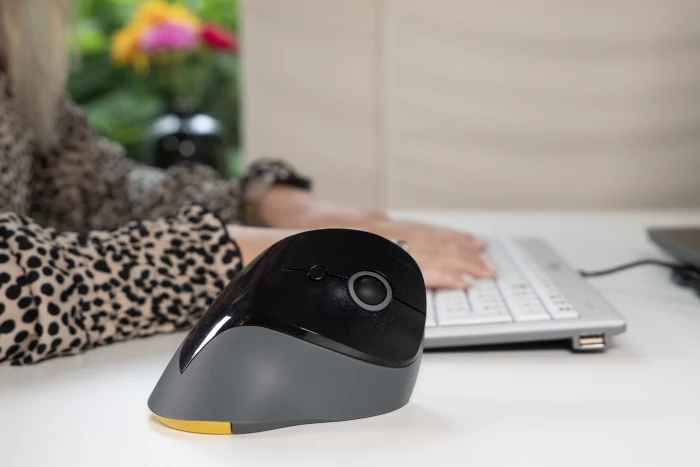
Vertical shape. Healthy way of working.
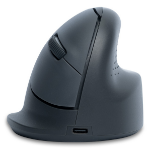
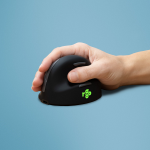
The PRF Mouse Wireless has a comfortable inclination-angle of 60 degrees. Instead of placing the hand flat on the mouse, hold the hand vertically, like shaking hands. The 60 degrees inclination-angle not only ensures to bring your hand and wrist in the correct ergonomic working position, but it also promises a short familiarization to a vertical mouse.
- Prolonged use of the mouse can lead to pain and discomfort in the shoulders, forearms, and hands (Chang et al., 2007 & Andersen et al., 2008).
- And therefore, vertical mice compared to standard mice lead to a healthier and more comfortable way of working.
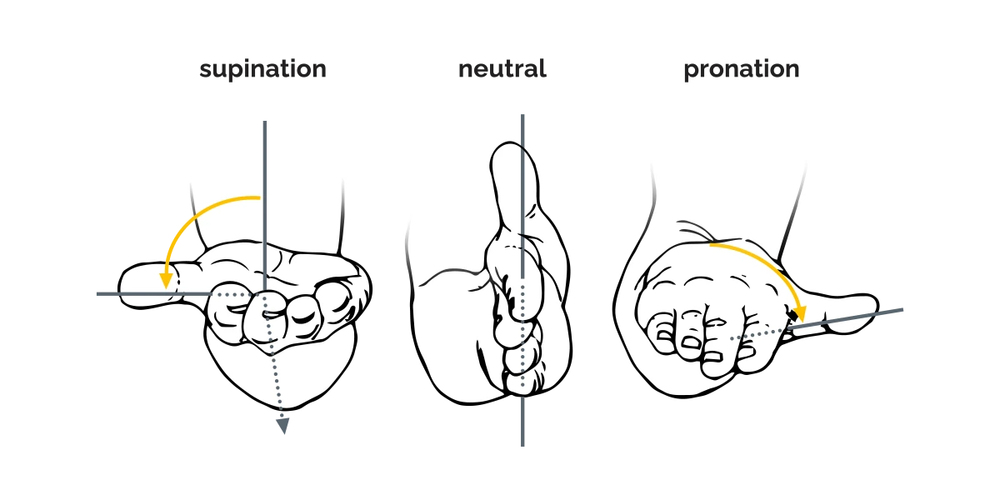
Ergonomic background
Prolonged use of a regular mouse can lead to pain and discomfort in the shoulders, forearms, and hands (Chang et al., 2007 & Andersen et al., 2008). The handshake position of vertical mice keeps the wrist from bending as much to the side while the forearm also turns inward to a lesser degree (Schmid, et al., 2015). This means that muscle activity in the forearm is less than it would be when using a conventional mouse (Quemelo & Vieira, 2013). Research has shown that the use of a vertical joystick mouse ensures a faster recovery from forearm, wrist and hand complaints (Aarås, et al., 2001). And therefore, vertical mice compared to standard mice lead to a healthier and more comfortable way of working.
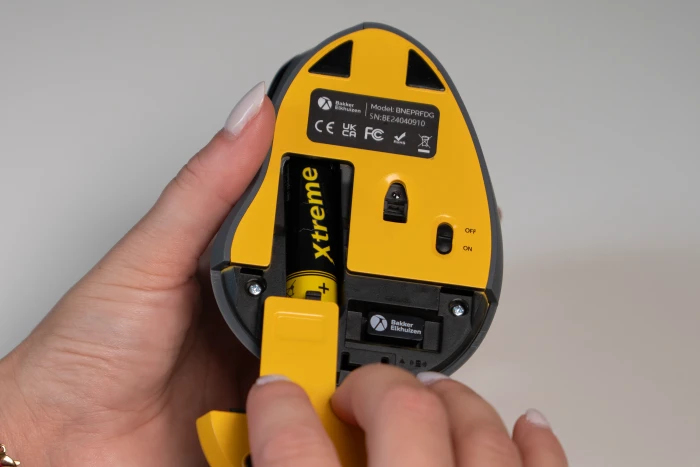
Wireless, use it everywhere.
You can take the PRF Mouse Wireless with you, wherever you do your mobile work. Use it in the conference room, during a client meeting, at your workplace in the office or at home, wherever you can imagine computer work. You have finished your work, and need to change the location? Just store the USB receiver of the PRF Mouse Wireless behind the battery cover, and never lose the USB receiver again. The wireless range is around 20 metres, so you can use it for example in a big conference room during a presentation.
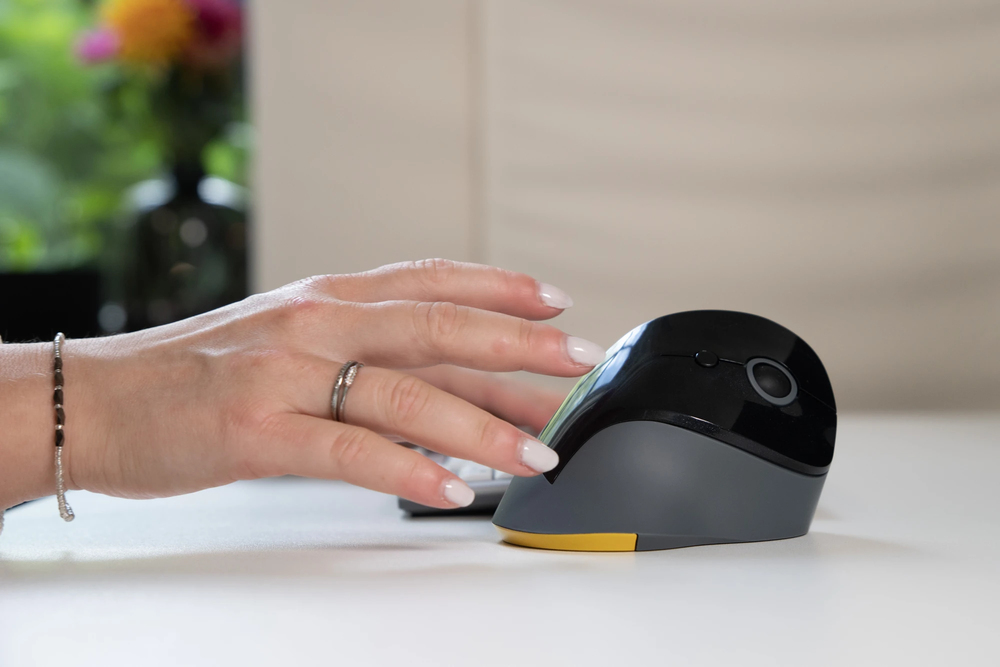
Grooved buttons and a clickable scroll-wheel.
The PRF Mouse Wireless has five buttons and a clickable scroll-wheel. The left- and right click buttons are grooved, so your fingertips rest conveniently in a shallow groove on the buttons. This makes sure, that you have good grip of the mouse. The thumb buttons allow you to go easily to the previous or next page, so you can work more efficient. The clickable scroll-wheel is made of non-slip material. As soon as you click on the scroll-wheel, you can scroll even faster over long pages.
Bakkerelkhuizen PRF Wireless Vertical Mouse Right Handed Black/Grey/Yellow BNEPRFDG. Wireless Range: 20m. USB-A dongle connectivity. Suitable for both USB-A and USB-C ports with the included adapter. DPI Settings: 800, 1200 and 1600. AA Battery provided.
You may also be interested in
| Product |
 BakkerElkhuizen KHUIZEN PRF WLS VER MO...
Login for pricing
BakkerElkhuizen KHUIZEN PRF WLS VER MO...
Login for pricing
|
New
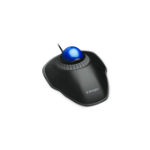
Kensington Orbit Wired Trackball with...
Login for pricing
|
Bestseller
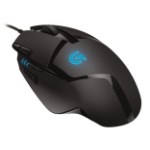
Logitech G Hyperion Fury
Login for pricing
|
Recommended
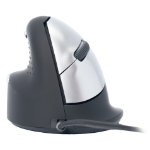
R-Go Tools Ergonomic mouse R-Go HE Bre...
Login for pricing
|
Hot Product
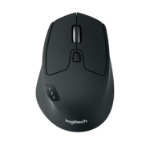
Logitech M720 Triathlon Mouse
Login for pricing
|
Popular
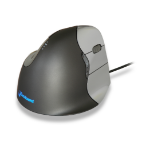
BakkerElkhuizen Evoluent4 Mouse (Right...
Login for pricing
|
|---|---|---|---|---|---|---|
| SKU |
BNEPRFDG
|
K72337EU
|
910-004067
|
RGOHELE
|
910-004791
|
BNEEVR4
|
| Manufacturer |
BakkerElkhuizen
|
Kensington
|
Logitech
|
R-Go Tools
|
Logitech
|
BakkerElkhuizen
|
| Buttons quantity |
6
|
2
|
8
|
5
|
8
|
6
|
| Movement detection technology |
Optical
|
Optical
|
Optical
|
Optical
|
Optical
|
Laser
|
| Purpose |
office
|
office
|
gaming
|
N/A
|
office
|
office
|
| Device interface |
RF Wireless
|
USB Type-A
|
USB Type-A
|
USB Type-A
|
RF Wireless + Bluetooth
|
N/A
|
| Scroll type |
Wheel
|
Ring
|
Wheel
|
Wheel
|
Wheel
|
Wheel
|
| Connectivity technology |
Wireless
|
Wired
|
N/A
|
Wired
|
N/A
|
N/A
|