This site uses cookies and other tracking technologies to assist with navigation and your ability to provide feedback, analyse your use of our site and services and assist with our promotional and marketing efforts. You can read more about this in our Privacy Policy.


ASUS VIVO 16 C9 270H 16GB 1TB SILVER
In Stock
645 available
- VIVO 16 C9 270H 16GB 1TB SILVER
SKU #: X1605VA-SH2865W
EAN #: 4711636576987
UNSPSC #: 43211503
- Windows 11 Home 64-bit
- Intel Core 9 270H (24MB Cache)
- 16" WUXGA 1920 x 1200 OLED
- 16GB DDR5-SDRAM & 1000GB SSD
| SKU | X1605VA-SH2865W |
|---|---|
| EAN | 4711636576987 |
| Manufacturer | ASUS |
| Availability | In Stock |
| Product Family | Vivobook |
| Product Series | 16 OLED |
| Product Manuals (HTML) |
View Manual View Manual View Manual View Manual View Manual View Manual |
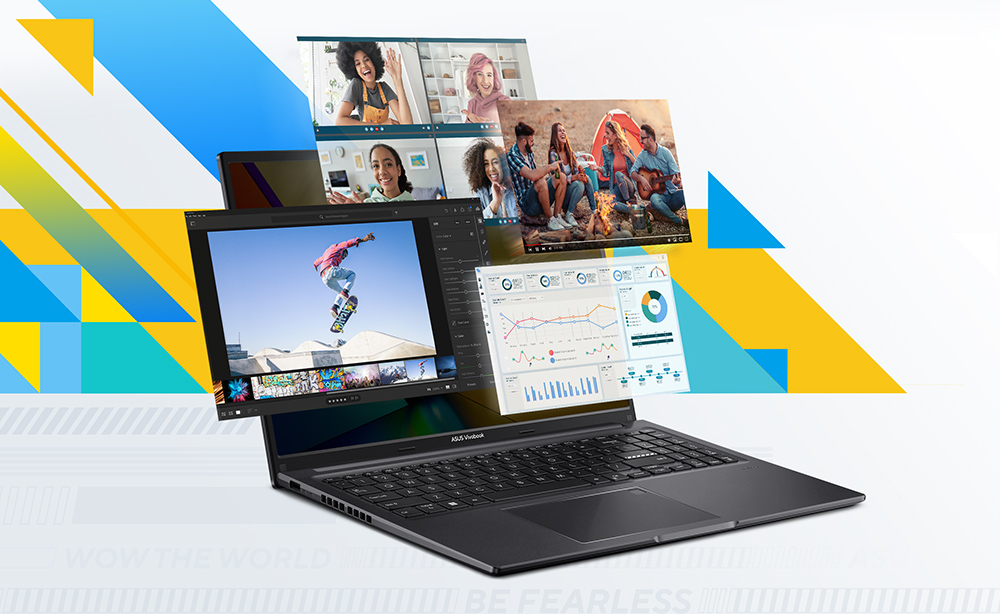
Smooth power
Performance
ASUS Vivobook 16 helps you complete all your tasks faster than ever, whether it’s at work, at home, or out and about. Intel® CoreTM i5-1335U Processor with 16GB of fast memory, 512GB of speedy SSD storage and WiFi 6 make everything effortless.
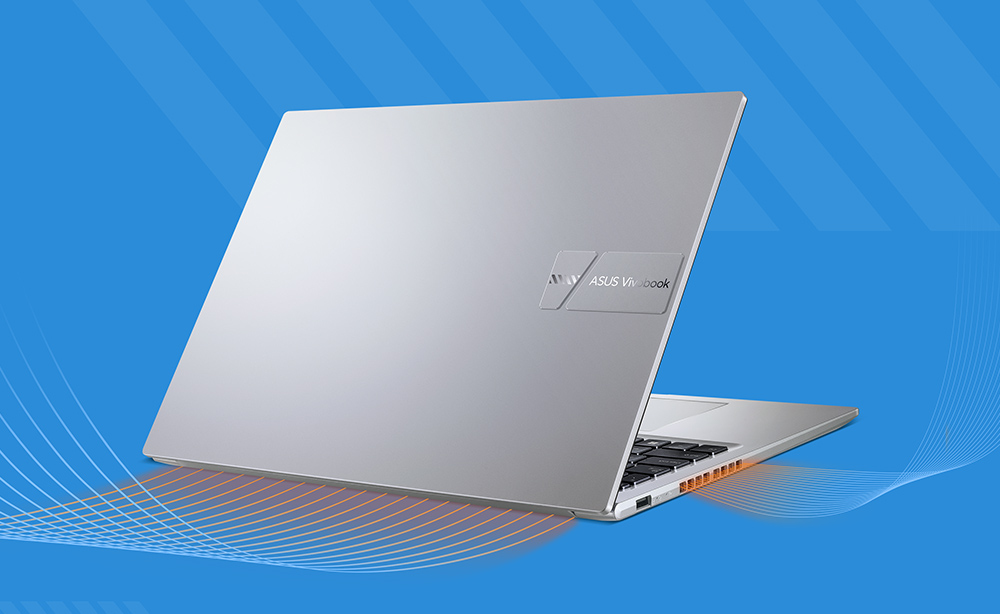
Cooler, quieter and faster!
Thermal
To keep it cool in all situations, the ASUS Vivobook 16 uses an IceBlade fan and dual air vents to efficiently accelerate heat transfer for smooth, stable performance without processor throttling.
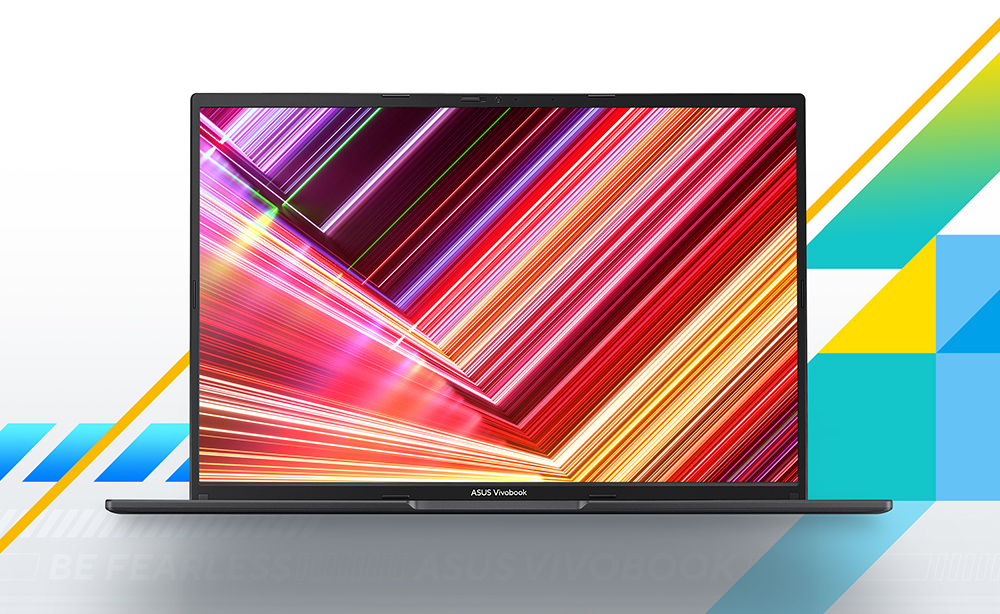
Explore a fresh new vision
Display
Explore a fresh new visual experience with ASUS Vivobook 16’s gorgeous three-sided NanoEdge display with its expansive 16:10 aspect-ratio. This clear, sharp, slim-bezel display provides wide viewing angles, and is TÜV Rheinland-certified for low blue-light emissions. It’s perfect for any task, whether it’s work, play or entertainment — let Vivobook 16 add glitter to your life!
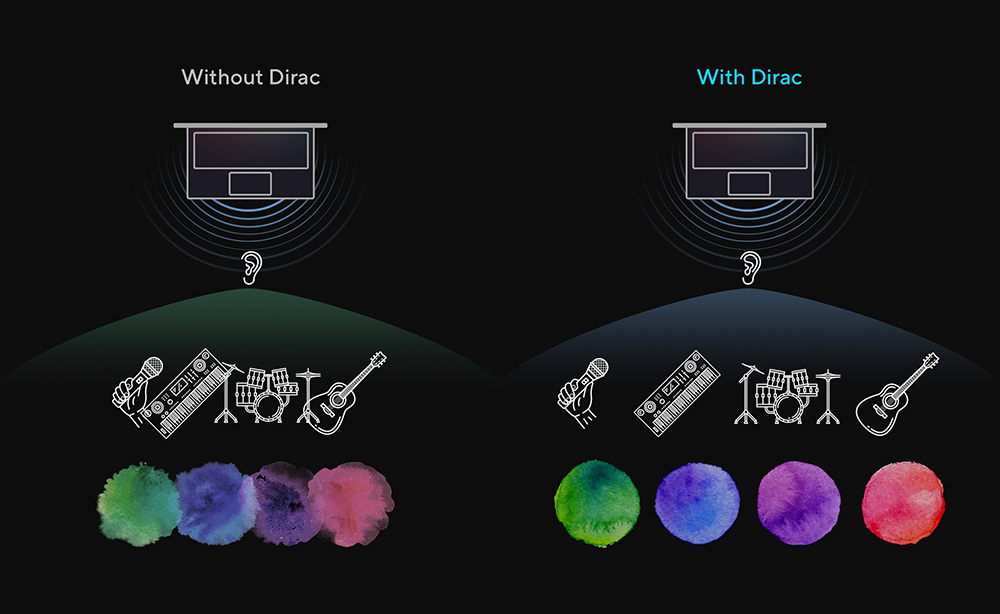
A new perspective on laptop audio
Audio-Dirac
Designed with help from the audio experts at Dirac, a professional audio solution provider, the audio system delivers the most immersive, clear, and balanced sound experience you’ve ever heard on a PC, laptop or tablet. You’ll hear a wider and deeper soundscape than you could imagine, unleashing the full audio potential of your laptop.
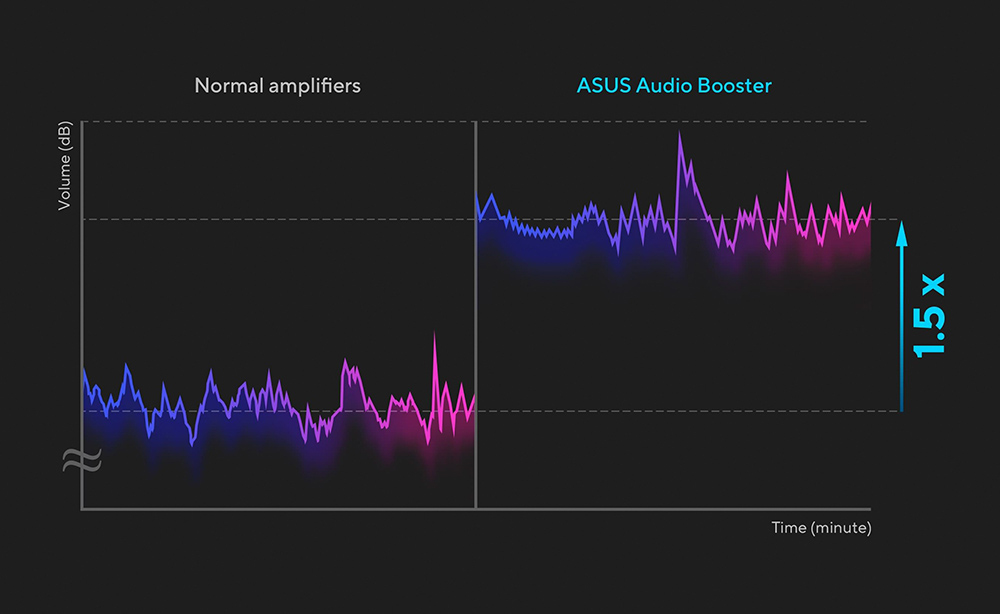
Upgrade your audio experience
ASUS Audio Booster
ASUS Audio Booster uses unique audio algorithms to boost audio volume up to 1.5x and take your audio experience to the next level.
ASUS ErgoSense keyboard, comfortable typing experience
ErgoSense
Your comfort is our highest priority. That’s why the ASUS ErgoSense keyboard has an incredibly satisfying feel, with the optimum key bounce and travel calculated with fine-tuned precision. Experience the ErgoSense keyboard and you’ll soon find yourself cruising effortlessly through your work.
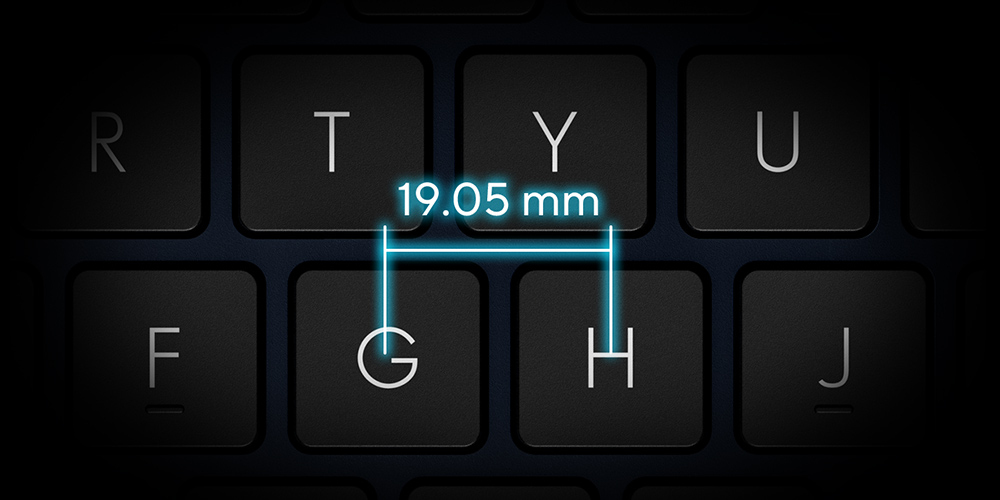
Full-sized keyboard 19.05 mm
The full-size 19.05 mm key pitch is the same as a desktop keyboard so you can whizz through your work with superb typing comfort and accuracy.
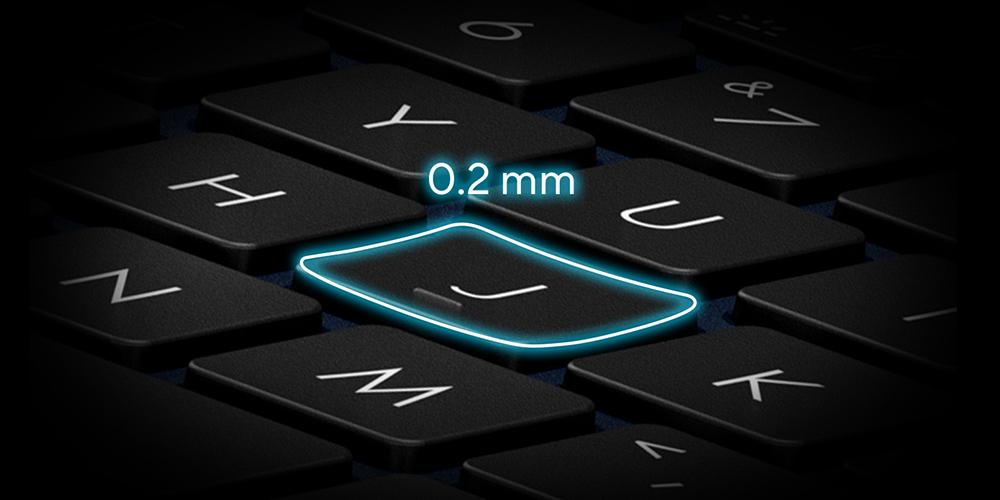
Dished key caps 0.2 mm
The 0.2 mm key-cap dish is designed to match the shape of your fingertips so your fingers are gently guided to the ideal contact point with the keys.
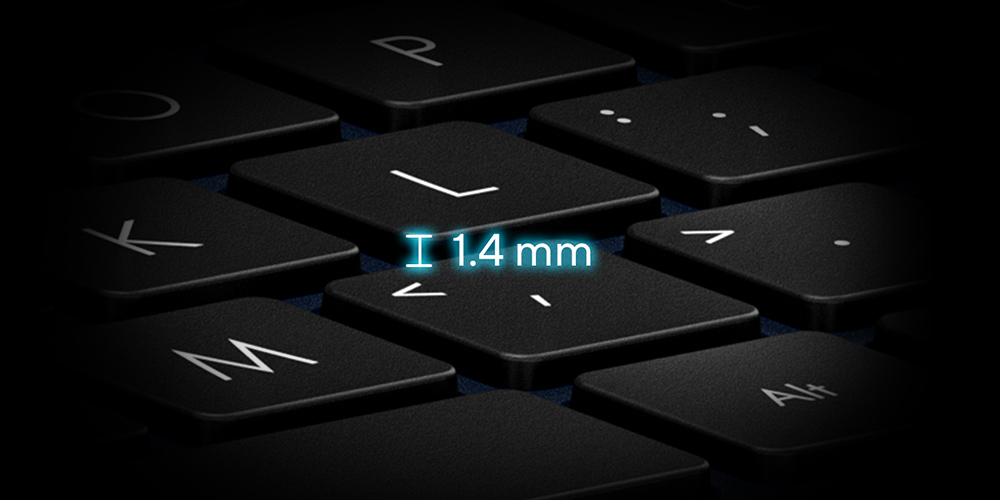
Long key travel 1.4 mm
The long 1.4 mm key travel lets you type without having to use too much force. And the special ASUS-designed rubber dome guarantees your click force is met with just the right tactile bump you need for a nice grip.
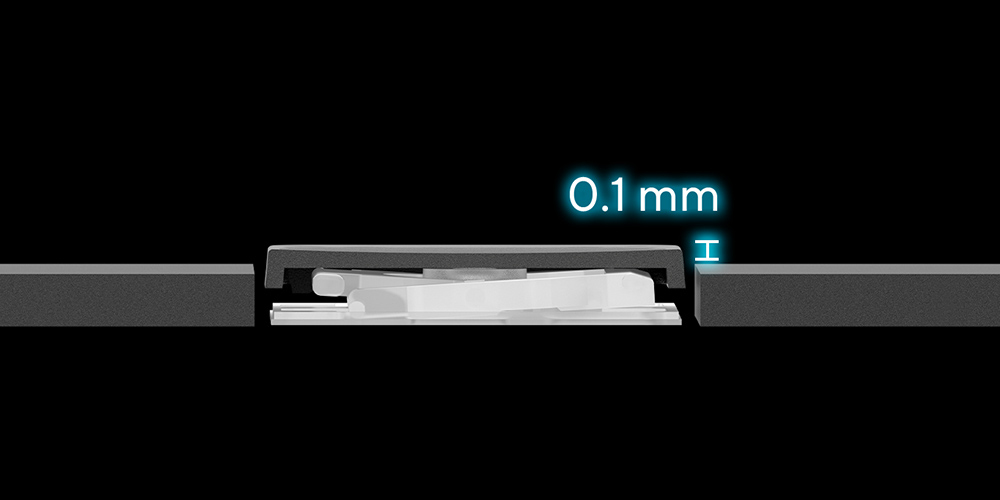
0.1 mm key cap relief
When fully depressed, the keys on the ErgoSense keyboard don’t sink below the level of the keyboard deck. The key caps remain at least 0.1 mm above the chassis surface, providing you with a comfortable, ergonomic typing experience.
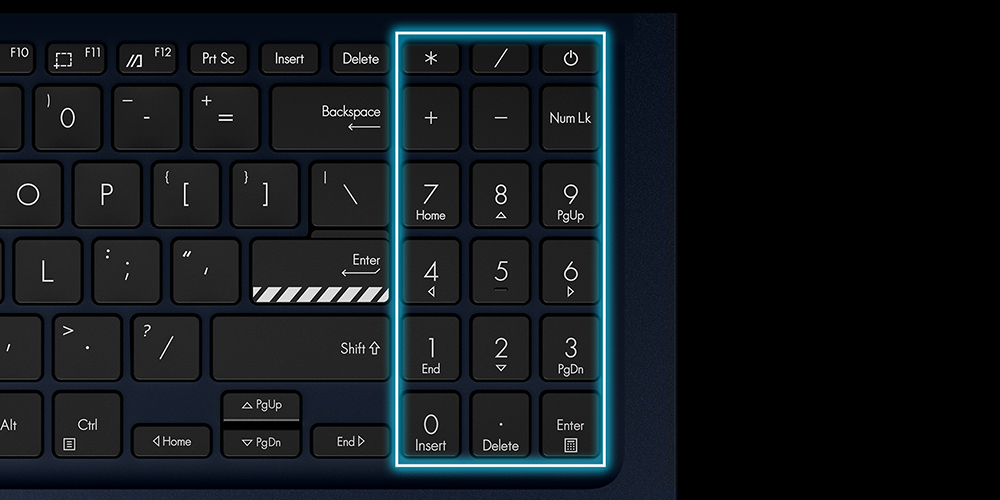
Enhanced number key layout
Blitz through data-crunching tasks with the enhanced number key layout! This features hotkeys for the calculator, CE and +/- functions, along with increased spacing to match the full-size key pitch for more intuitive number entry.
Optimal click ratio: Engineered to perfection
The feel of a keyboard depends on the crucial ratio between the peak force (also known as the actuation force) and the contact force. Peak force occurs when you press down on the key and reach the maximum force that the key’s underlying rubber dome can withstand without deflecting. Contact force occurs when the bottom of the key touches the circuit board to trigger an electronic signal, which in turn generates the action appropriate to the key. To achieve the most natural feel for a keyboard, ASUS keyboard experts have scientifically determined that the optimal ergonomic click ratio for a key is between 45-60%. These forces are precisely measured and tuned using the ASUS-designed rubber domes beneath the keys.
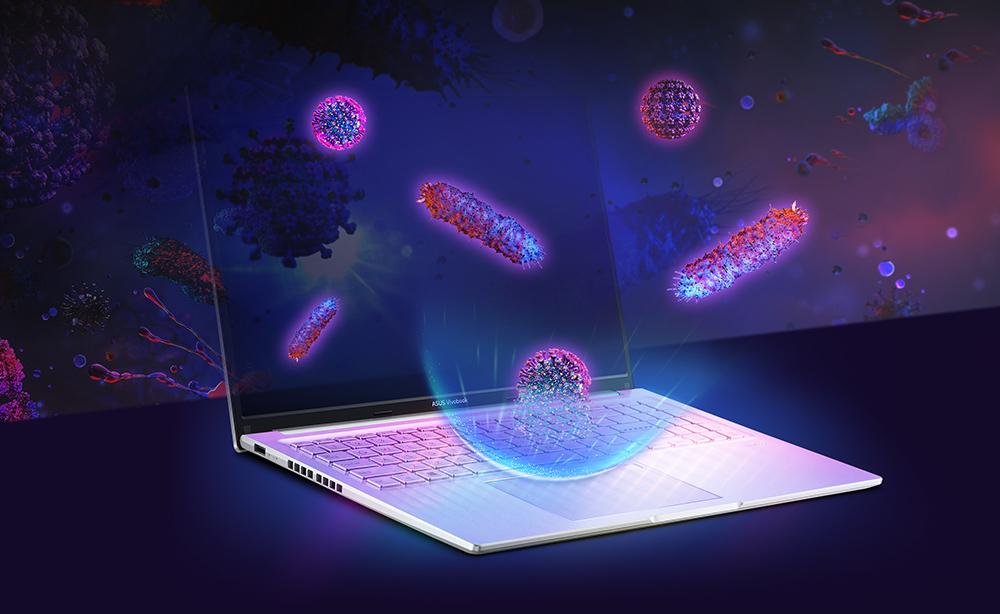
Inhibit 99% of COVID-19, flu virus & bacteria*
ASUS Antimicrobial Guard Plus
ASUS Antimicrobial Guard Plus is applied to frequently touched areas of your laptop to help keep it hygienic. This technology uses a denser treatment* that inhibits viruses and bacteria. And it is scientifically shown — using the ISO 21702* and 22196* standards — to inhibit virus and bacteria growth by more than 99% over a 24-hour period*. Strains used for the tests include the SARS-CoV-2 (COVID-19), H3N2 (Influenza A) and the E. coli bacterium*.
* ISO 21702 tests for SARS-CoV-2 Variants (Omicron, BA.5), H3N2, H1N1 and ISO 22196 tests for Staphylococcus and E. coli.
* Treatments are approved by US FIFRA* & EU BPR*.
Viruses and bacteria inhibition
ASUS Antimicrobial Guard Plus
Viruses and bacteria are everywhere in our daily life. Antimicrobial Guard Plus inhibits all viruses and bacteria with an envelope (the outermost layer of many types of viruses and bacteria) from the surface of the protected parts. ISO 21702 testing shows that it can inhibit the growth of SARS-CoV-2 (COVID-19), H1N1, H3N2 (Influenza A) and harmful bacteria.
Silver ions prevents 99% reproduction
ASUS Antimicrobial Guard Plus
ASUS Antimicrobial Guard Plus is a surface coating20 on the laptop21 that contains positively-charged silver ions. Silver ions and negatively-charged microbial cells are attracted to each other and then pierce the surface to damage their structure, inhibiting reproduction.
User friendly design
User Experience

Unlock in one touch
Accessing your device has never been easier or more secure! With the built-in fingerprint sensor6 in the touchpad and Windows Hello, there’s no need to type in your password every time — all you need is a single touch!
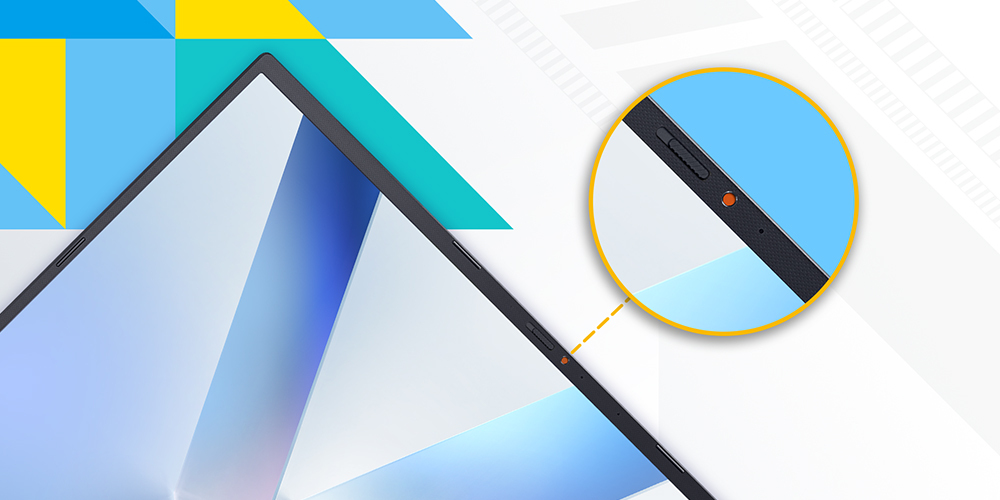
Physical webcam privacy shield
ASUS Vivobook 16 takes your privacy and security seriously. There’s an integrated privacy shield that slides over the webcam for instant privacy, shielding you from prying eyes and disturbances.
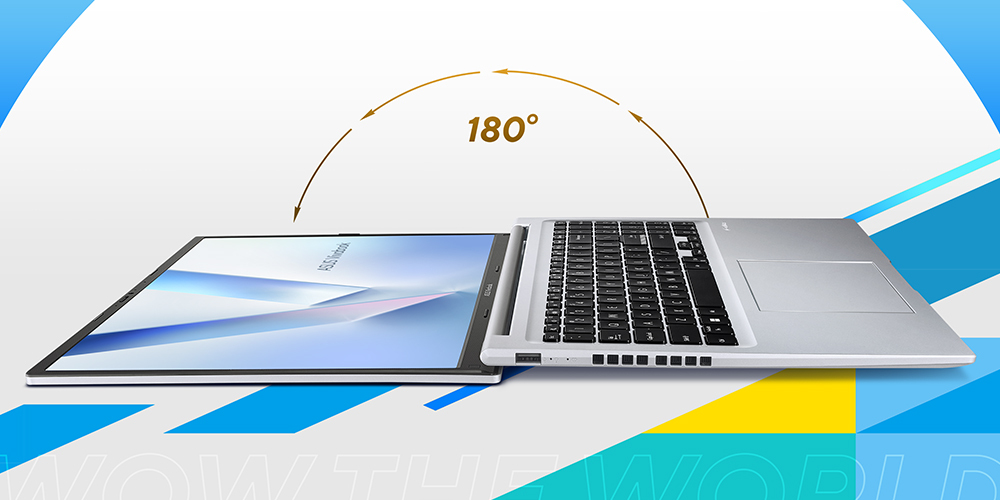
Wide open for sharing
ASUS Vivobook 16 features a precision-engineered, lay-flat hinge that makes it easy to share content with others, or collaborate with a group of people around a table.
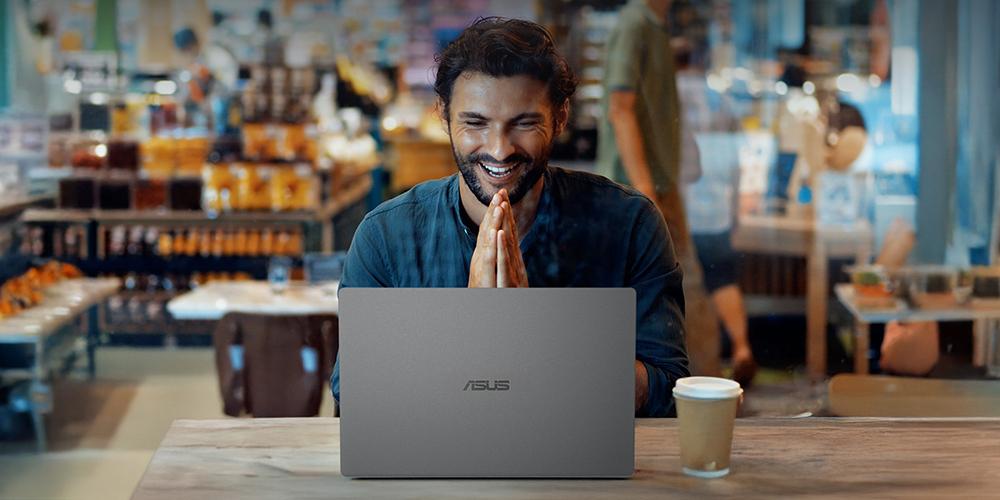
Voice Print Technology
Like a fingerprint for your voice, it keeps you secure and helps AI respond with personalized accuracy. By recognizing who’s speaking, even in a group, it delivers the right answer to the right person every time.
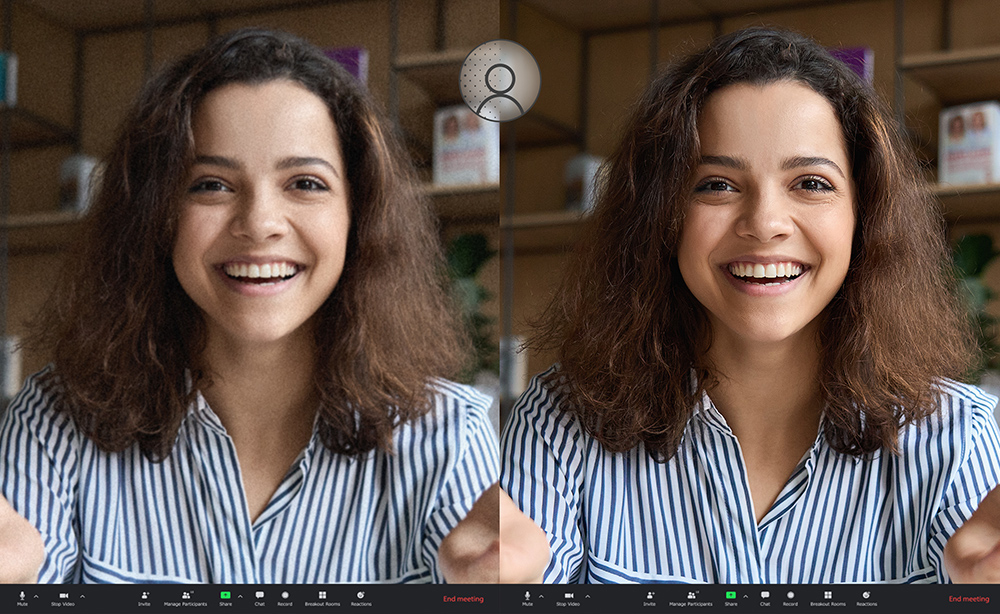
Real-time webcam image optimization
3DNR
ASUS 3D Noise Reduction (3DNR) Technology and the new webcam effects in MyASUS take your video-calling experience to the next level. 3DNR significantly upgrades the webcam image clarity, with a unique algorithm that sharpens images and performs real-time de-noising to make sure everything looks crisp and clear during video calls. The webcam effects in MyASUS add several useful image-processing features, including Background Blurring for enhanced privacy; Lighting Optimization to keep faces out of shadow; Motion Tracking to always keep you center-frame; and Eye Tracking to reduce the effect of your eyes wandering away from the camera.
Next-level AI noise-canceling audio technology
AI Noise Cancelation
To provide exceptional remote-working and video-conferencing experiences, features ASUS AI Noise-Canceling Technology that employs machine learning in order to isolate unwanted noise from human speech. This technology helps to filter out ambient noise for optimum group conference-call quality. The ASUS AI Noise-Canceling Microphone feature in the MyASUS app can filter out ambient noise — so you’ll hear what everyone else is saying.
Try the demo to experience the amazing difference that AI Noise-Canceling Technology can make in different environments.
Press play to experience ASUS AI Noise-Canceling Technology
Conference calls with more possibilities
Conference Call
Conference calls can be single-presenter or multi-presenter, gathered around a single laptop with voices coming from various directions. With the upgraded system enabled via the MyASUS app, it detects and optimizes audio from either one direction or from all directions — ensuring top conference call audio quality.
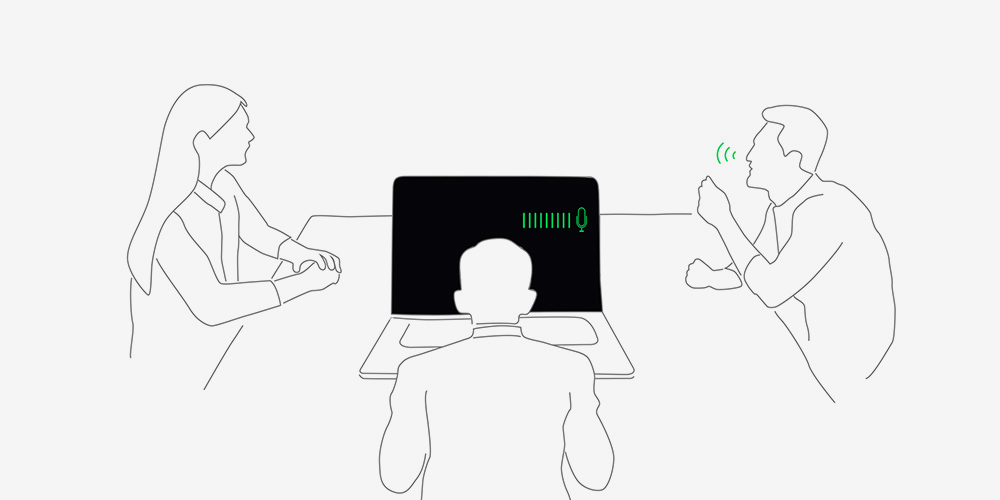
Single presenter conference call
Single-presenter conference call mode can filter out noise and other voices, and ensures only the voice in front of laptop can be heard. When you switch on the Target Speaker Tracking mode it can even target and track new talkers within a 180° arc, making the feature ideal for recording large groups as well as for individuals.
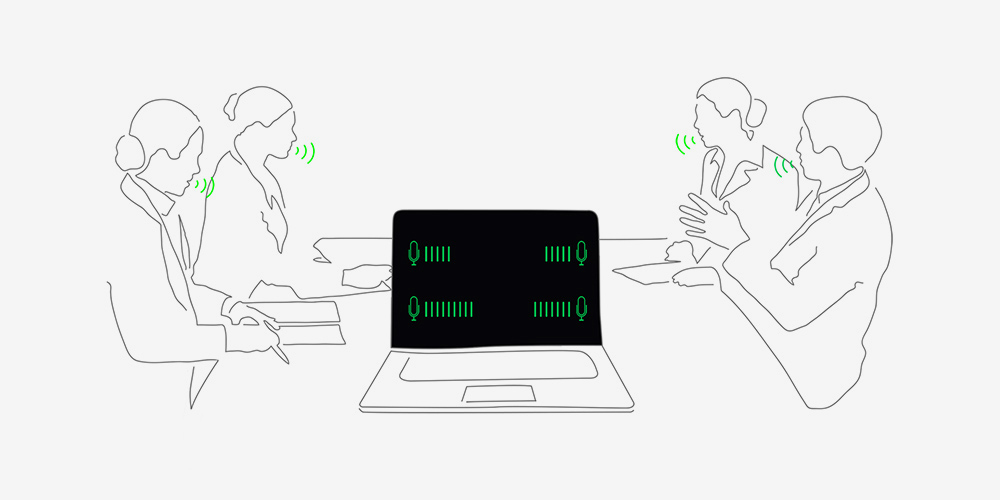
Multi-presenter conference call
Multi-presenter conference call mode filters out ambient noise whilst identifying multiple voices from all directions and distances, so all voices can be heard more clearly.
Perfect in every detail
Connectivity
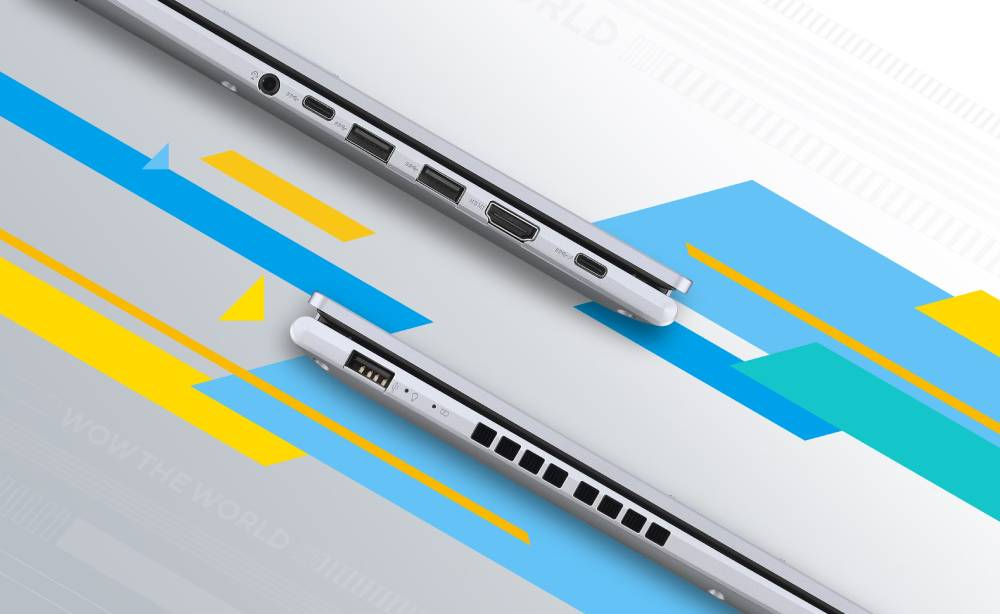
ASUS Vivobook 16 keeps you fully connected with its comprehensive I/O ports. There are two USB-C® 3.2 Gen 1 ports, two USB 3.2 Gen 1 Type-A ports, a USB 2.0 port, HDMI® output and an audio combo jack — so it’s easy to connect all your existing peripherals, displays and projectors.
Charge with speed
Battery
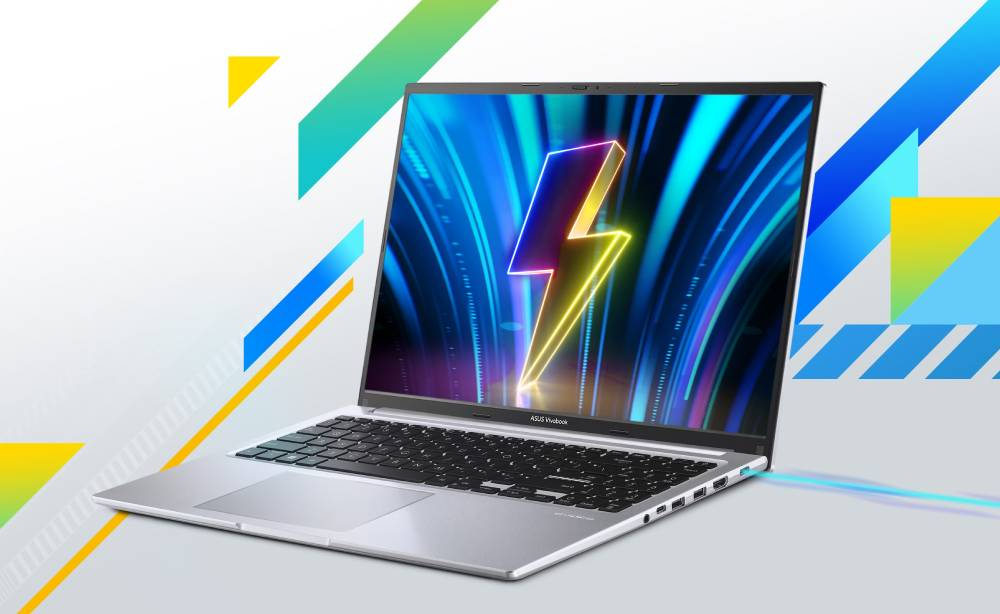
ASUS Vivobook 16 supports fast charging which allows you to charge a low battery to 60% in as little as 49 minutes, so you can be up and running quicker than ever!
Be extraordinary!
Design
ASUS Vivobook 16 is extraordinary, with a clean design and two eye-catching colors. Choose from charming Indie Black or distinguished Cool Silver — whichever says ‘that’s me!’ It’s slim enough to pop unobtrusively into any backpack, and light enough for easy one-handed carrying. What’s better, the extraordinary ASUS Vivobook 16 uses eco-friendly Post-Consumer Recycled (PCR) material* allowing you to contribute to sustainability in style!
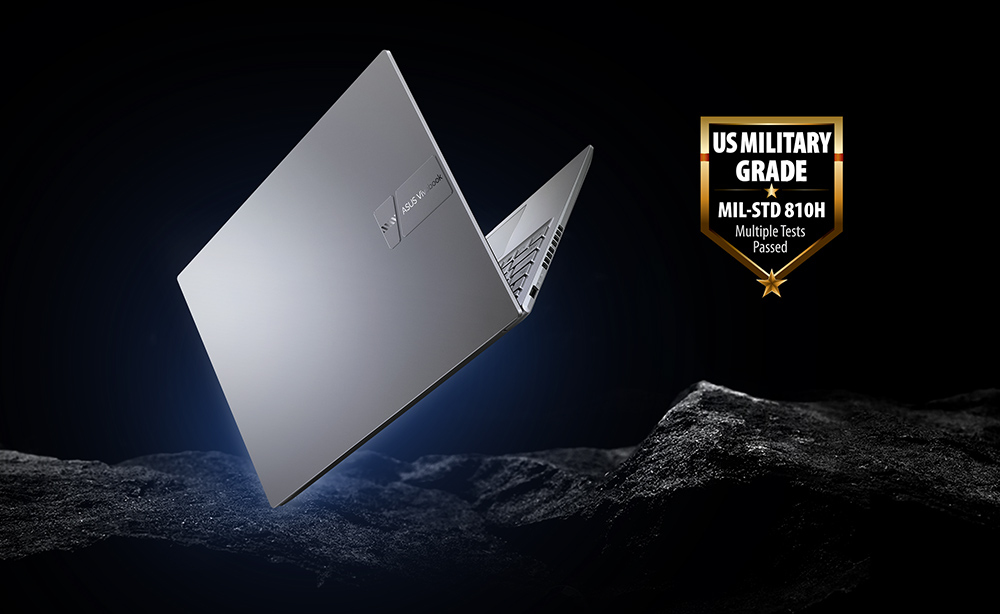
World’s most strictly tested US military-grade laptop durability*
Military-grade
The MIL-STD 810H military standard for reliability and durability, undergoing a punishing test regime that includes extended tests for operation in harsh environments. These factors also help improve the laptops’ longevity and sustainability, so you can work, travel or relax with the confidence that your ASUS laptop is ready for the real world — today, and long into the future.
Truly personalized workflow
Software
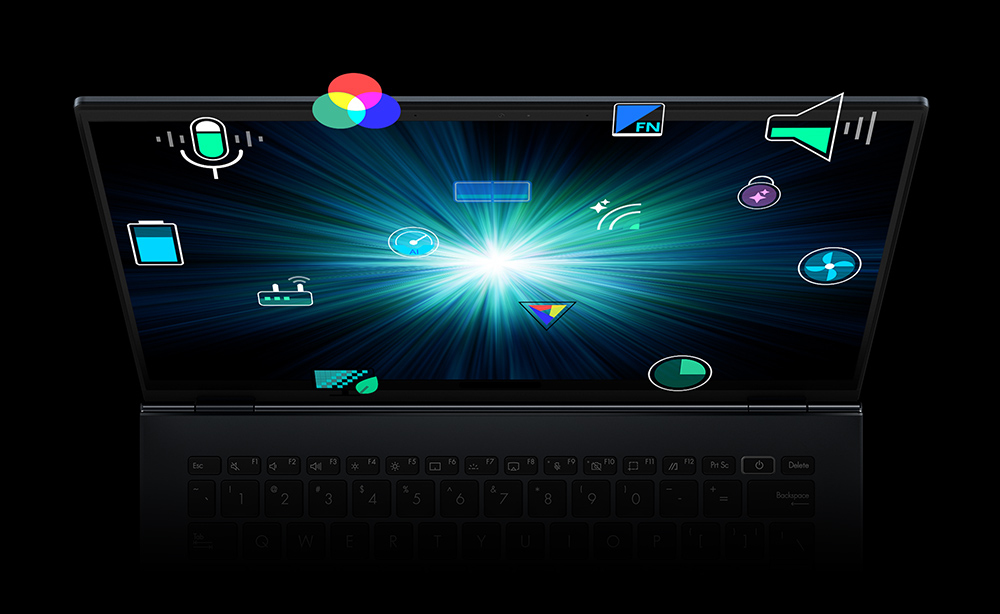
MyASUS hosts a collection of handy ASUS apps and tools that help you get more out of your laptop. ASUS GlideX is a powerful cross-device screen-sharing solution. ScreenXpert helps you to manage app windows across displays connected to your ASUS PC, giving you full control of your workflow!
You may also be interested in
| Product |
 ASUS VIVO 16 C9 270H 16GB 1TB SILVER
Login for pricing |

Recommended
Microsoft Surface Laptop 7 Copilot+ PC...
Login for pricing
|
Bestseller
Microsoft Surface Laptop 7 Copilot+ PC...
Login for pricing
|
 Microsoft Surface Laptop 7 Qualcomm Sn...
Login for pricing |
 Microsoft Surface Laptop 7 Qualcomm Sn...
Login for pricing |

Hot Product
Samsung Galaxy Book5 Pro (14", Co...
Login for pricing
|
|---|---|---|---|---|---|---|
| SKU |
X1605VA-SH2865W
|
ZHP-00004
|
ZGV-00004
|
ZGX-00041
|
ZHB-00004
|
NP944XHA-KG2UK
|
| Manufacturer |
ASUS
|
Microsoft
|
Microsoft
|
Microsoft
|
Microsoft
|
Samsung
|
| Weight |
Thin and Light
|
Thin and Light
|
Ultra portable
|
Ultra portable
|
Ultra portable
|
Ultra portable
|
| Display diagonal |
16" to 17"
|
15" to 16"
|
13" to 14"
|
13" to 14"
|
13" to 14"
|
14" to 15"
|
| Display resolution |
1920 x 1200 pixels
|
N/A
|
N/A
|
N/A
|
N/A
|
2880 x 1800 pixels
|
| Product colour |
Silver
|
Platinum
|
Platinum
|
Black
|
Black
|
Grey
|
| Processor family |
Intel Core 9
|
Snapdragon
|
Snapdragon
|
Snapdragon
|
Snapdragon
|
Intel Core Ultra 7
|
| Operating system installed |
Windows 11 Home
|
Windows 11 Pro
|
Windows 11 Pro
|
Windows 11 Pro
|
Windows 11 Pro
|
Windows 11 Pro
|
| Total storage capacity |
1000GB to 1500GB
|
100GB to 300GB
|
100GB to 300GB
|
500GB to 750GB
|
1000GB to 1500GB
|
500GB to 750GB
|
| Touchscreen |
N
|
Y
|
Y
|
Y
|
Y
|
Y
|
| On-board graphics card |
Y
|
Y
|
Y
|
Y
|
Y
|
Y
|
| Internal memory |
16GB
|
16GB
|
16GB
|
16GB
|
32GB
|
16GB
|
| Storage media |
SSD
|
SSD
|
SSD
|
SSD
|
SSD
|
SSD
|
| Product type |
Notebook
|
Notebook
|
Notebook
|
Notebook
|
Notebook
|
Notebook
|
| Mobile network connection |
N
|
N
|
N
|
N
|
N
|
N
|
| Discrete graphics card |
N
|
N
|
N
|
N
|
N
|
N
|