This site uses cookies and other tracking technologies to assist with navigation and your ability to provide feedback, analyse your use of our site and services and assist with our promotional and marketing efforts. You can read more about this in our Privacy Policy.


Samsung 24 INCH G35H
xOut of Stock
Contact your account manager
- SAMSUNG 24 INCH G35H
SKU #: LS24HG350EUXXU
EAN #: 8806099286781
UNSPSC #: 43211902
- 1. The curved display extends across your field of vision to create a wider view, enhancing depth perception and minimizing peripheral distractions so you can focus on what’s on screen.
- 2. The 144Hz refresh rate reduces lag and motion blur, while the 1ms response time (MPRT) helps capture your moves in real-time, allowing you to react quickly in fast-paced moments.
- 3. Eye Saver Mode reduces blue light, while Less Screen Flickering minimizes screen flicker, helping prevent eye strain so you can stay focused during long work sessions.
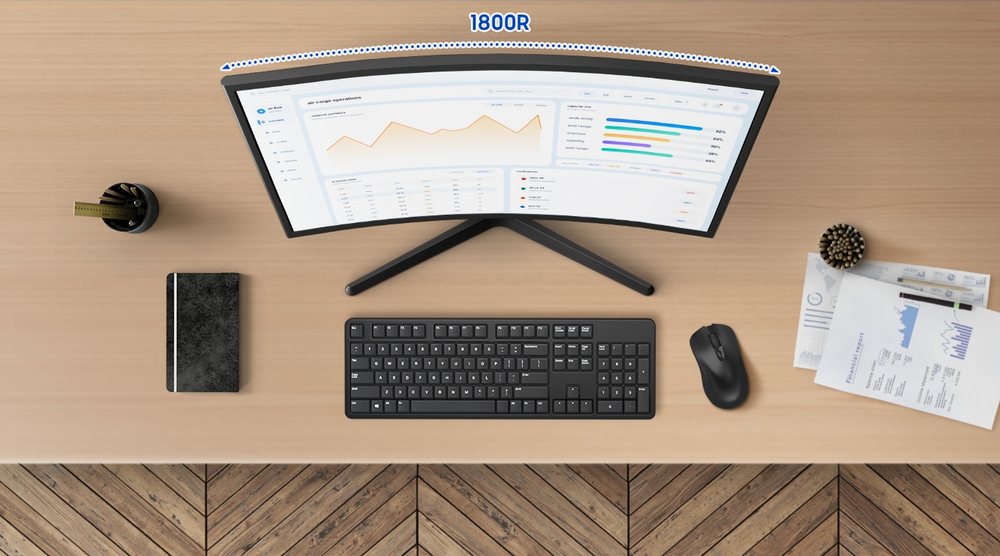
Curved for enriched engagement
1800R Curved Screen
Experience immersive viewing with the Essential Monitor G3. The curved display extends across your field of vision to create a wider view, enhancing depth perception and minimising peripheral distractions so you can focus on whats on screen.
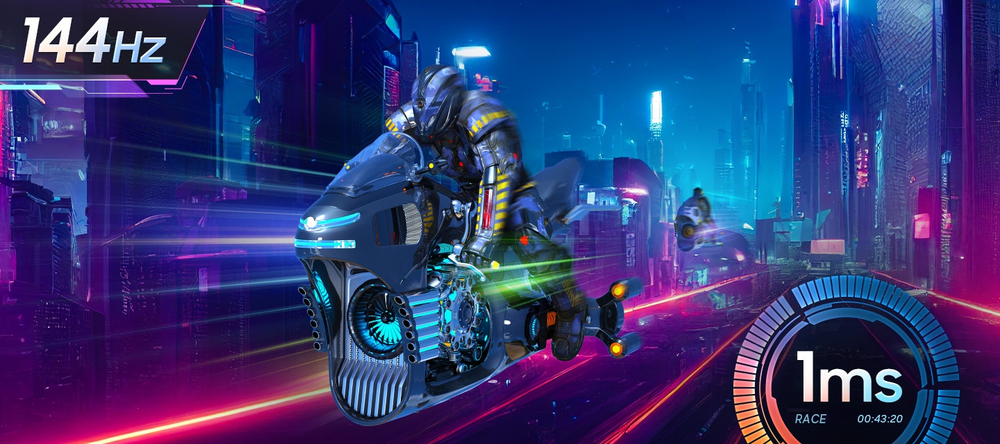
React fast for smooth performance
144Hz Refresh Rate & 1ms Response Time (MPRT)
Stay immersed across gaming, entertainment and creative work on the Essential Monitor G3. The 144Hz refresh rate reduces lag and motion blur, while the 1ms response time (MPRT) helps capture your moves in real-time, allowing you to react quickly in fast-paced moments.
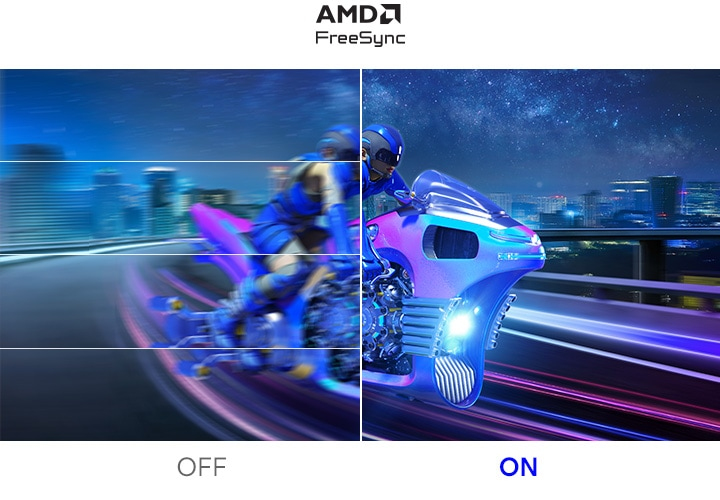
Immerse in smooth action without disruption
AMD FreeSync
Enjoy fluid gameplay on the Essential Monitor G3. Variable refresh rate (VRR) with AMD FreeSync syncs the panel with the GPU to reduce choppiness, screen lag and image tearing, so your game scenes are stable and stutter-free for your competitive edge.
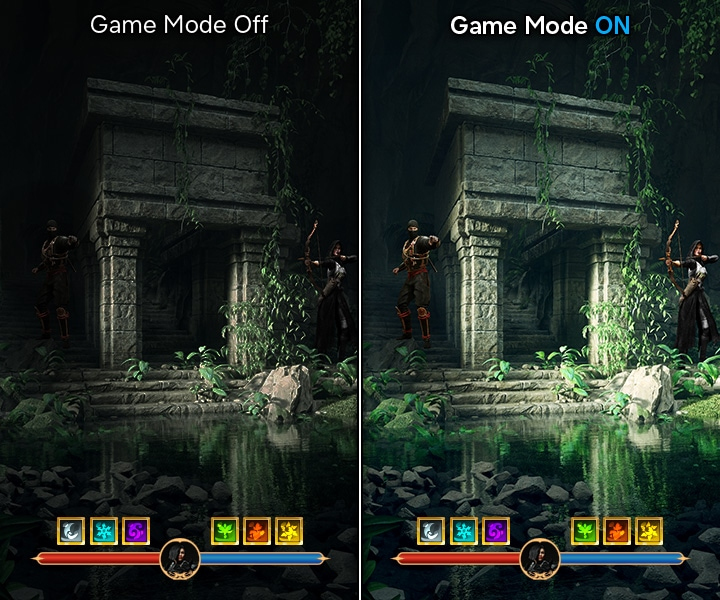
More gaming power
Game Mode
View more details on the Essential Monitor G3 with Game Mode. Thanks to its optimisable game settings, colour and contrast can be instantly adjusted so you can see game scenes more clearly and spot enemies hiding in the dark.
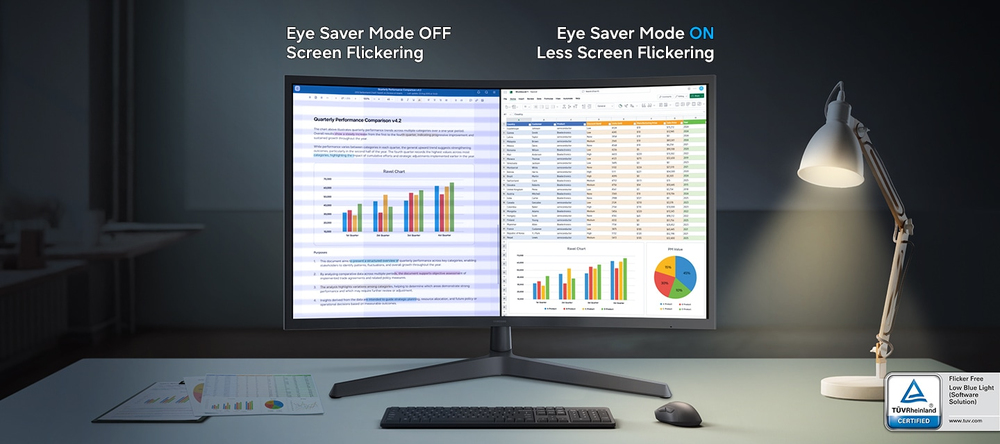
Easy on the eyes
Eye Saver Mode & Less Screen Flickering
Protect your vision and stay comfortable on the Essential Monitor G3. Eye Saver Mode reduces blue light, while Less Screen Flickering minimises screen flicker. These features help prevent eye strain so you can stay focused during long work sessions.
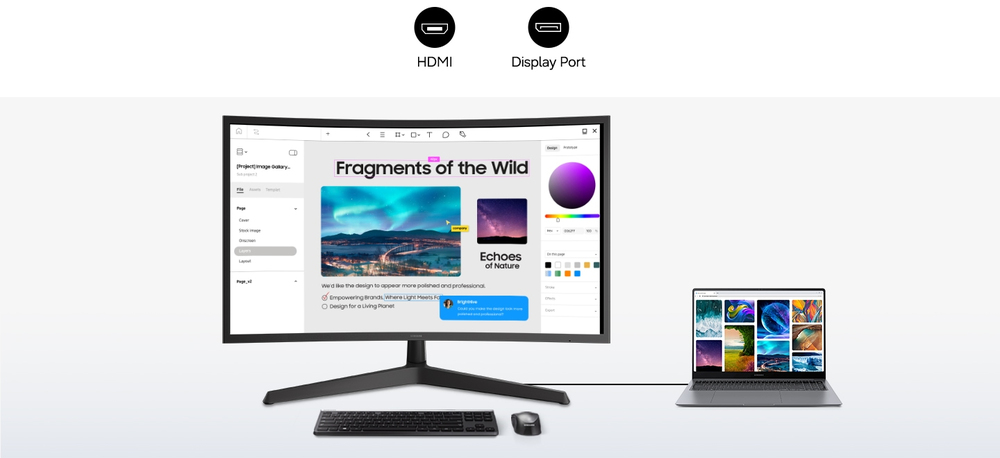
Connect more devices
Multiple Connectivity
Plug devices straight into your monitor through multiple connectivity options. The HDMI and DP ports make it easy to connect peripherals to your Essential Monitor G3 for a more convenient setup.