This site uses cookies and other tracking technologies to assist with navigation and your ability to provide feedback, analyse your use of our site and services and assist with our promotional and marketing efforts. You can read more about this in our Privacy Policy.


BakkerElkhuizen GOLDTOUCH ELITE ERG SPLIT KEYBOARD
xOut of Stock
Contact your account manager
- Computer Accessories
SKU #: BNEGTEBUK
EAN #: 8719274677765
UNSPSC #: 43211706
| SKU | BNEGTEBUK |
|---|---|
| EAN | 8719274677765 |
| Manufacturer | BakkerElkhuizen |
| Availability | Out of Stock |
| Product Videos |
View Video View Video |
| PDF URLs |
View PDF View PDF View PDF View PDF View PDF |
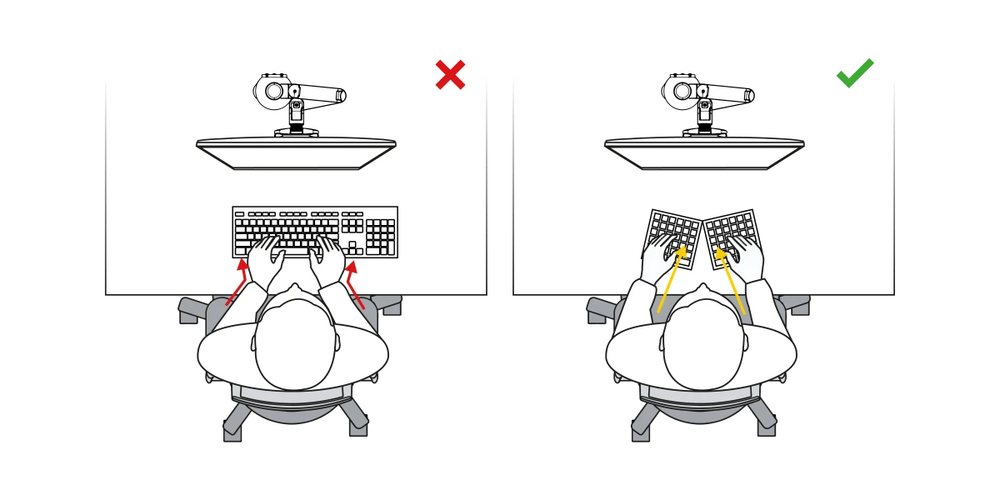
Choose the right angle
The Goldtouch Elite is a split keyboard which can be conveniently adjusted in its inclination angle from 0-30 degrees. The stepless adjustment, brings your hands, wrists, and arms into a more neutral and natural position than with a traditional keyboard. The result is, no inward rotation of the hand and lateral bending of the wrist. This leads to more relaxed muscles in your hand, wrist and forearm while typing. The higher the adjusted angle is, the narrower and more compact the keyboard is. This means you can work with your mouse close to the body, so there is no unnecessary strain on the arm, shoulder, and less muscle tension.
Ergonomic background
Research shows that 90% of keyboard users seldom, if ever, use the numeric pad so this element is removed on a compact keyboard. This allows the mouse to be placed closer to the keyboard. Using a compact keyboard results in increased comfort because it reduces the reaching distance to the mouse (Cook, C., et al., 1998) and puts less strain on the shoulder and forearm. Significant improvements in musculoskeletal upper limb disorders were achieved using adjustable keyboards. (Hedge, et al, 2002).
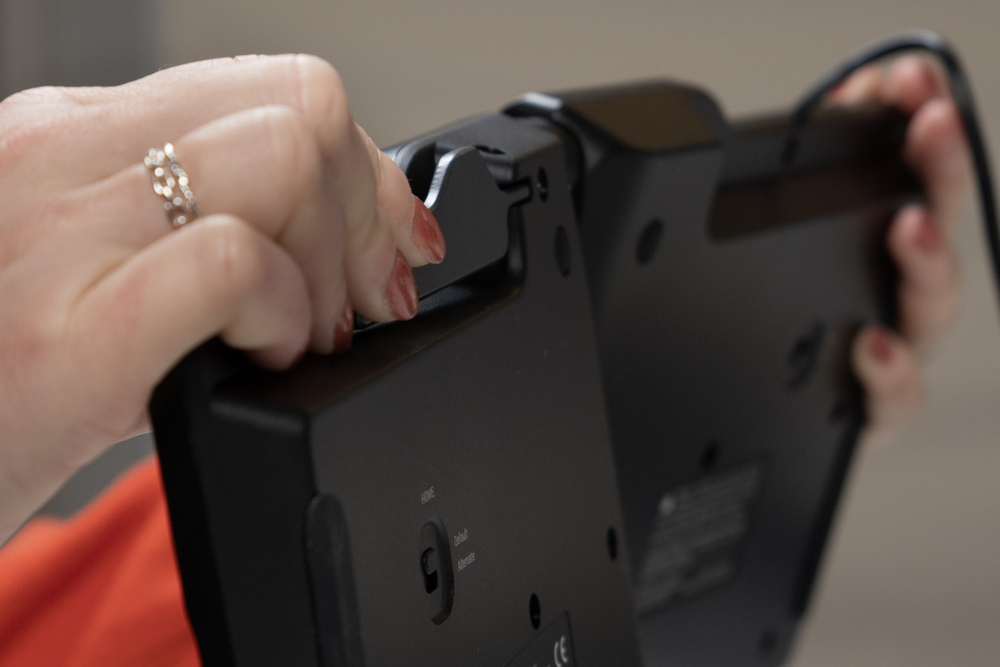
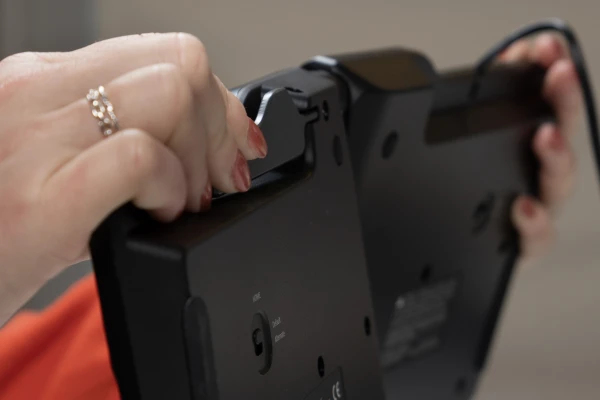
Updated handle
The new and improved handle design makes adjusting your keyboard a breeze. Using a locking ball and lever joint, simply give the handle a squeeze to start making angle adjustments to your keyboard. Once you’ve positioned it where it feels most comfortable, let go of the handle and it locks into place.
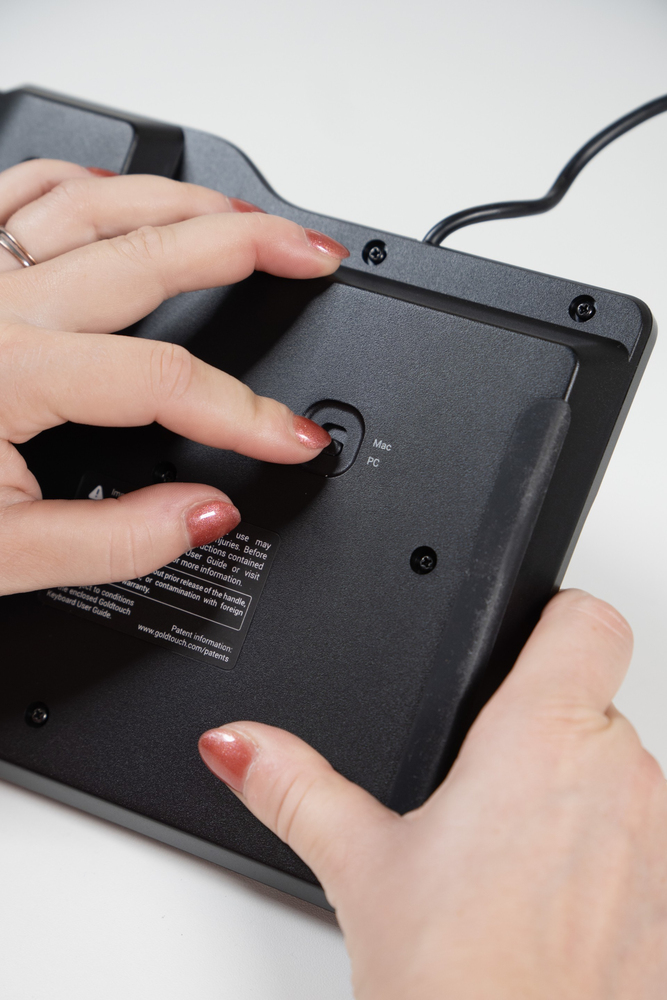
Compatible with multiple devices
Whether you use PC or Mac, or even both, the Elite Keyboard works equally well with both operating systems—right down to the key layout. Using the toggle switch on the back of the keyboard, simply switch to PC or Mac — it’s that simple!
Comfortable, long lasting keys
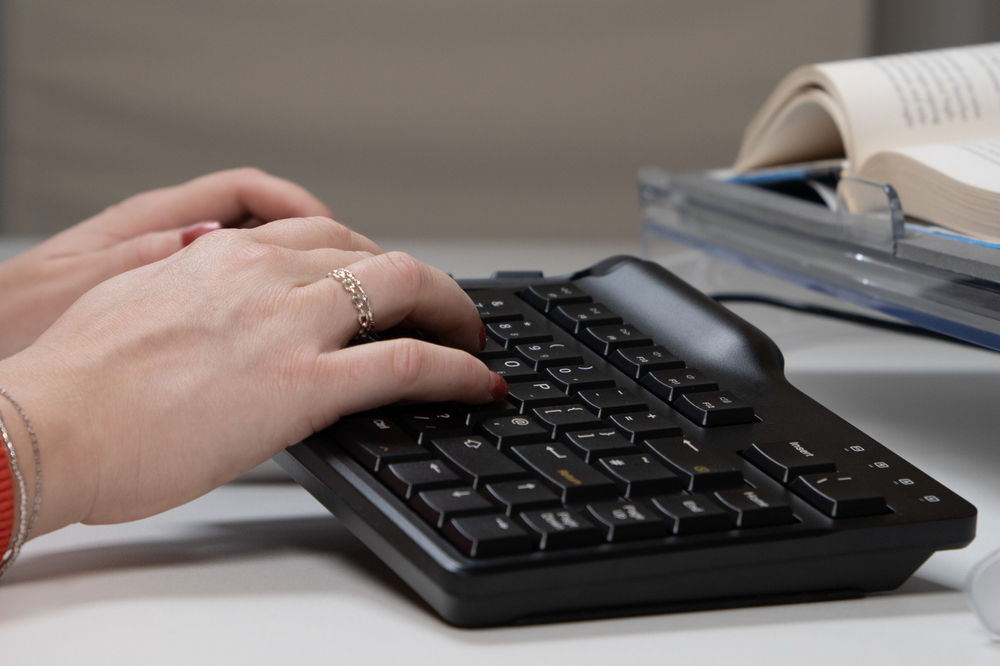
The keyboard features half-height keys that feel comfortable to the touch, with a travel distance (how far the key travels to activate) of 3.6mm to prevent your fingers from getting fatigued during long typing sessions. They’re soft-touch too, only needing 45g-55g (average) of ‘activation force’ (how hard you have to press on the keys to “activate” them) to press down the keys.
For a long-lasting finish, a laser etching is used on all of the main keys that won’t rub off and ink tampo printing is used for the yellow Mac keys and blue FN keys for a crisp finish.
Alternate and Default layouts
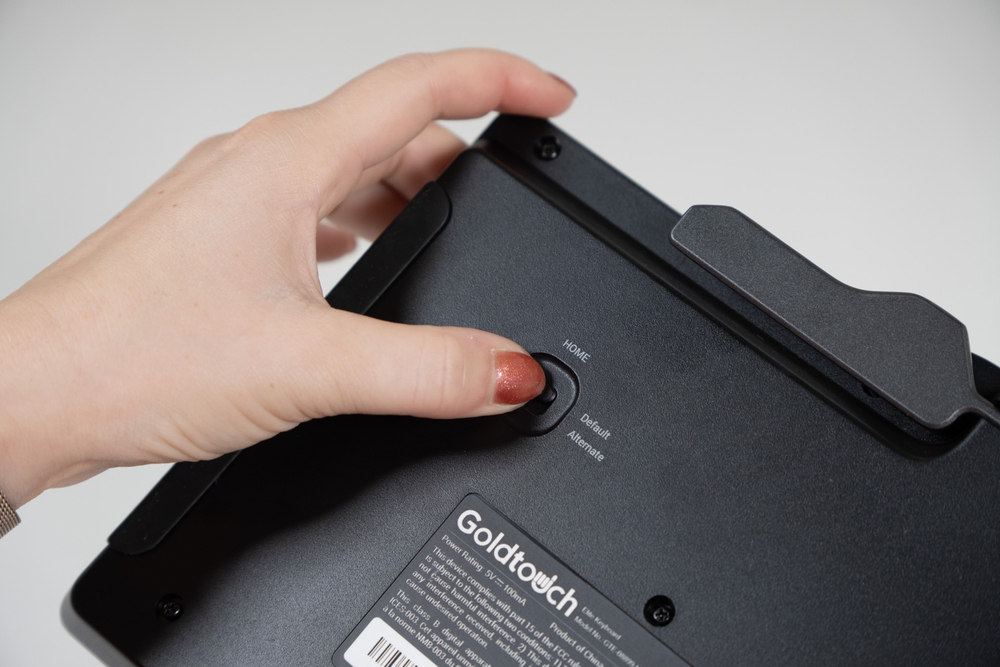
With one switch, you can change between the Default and Alternate keyboard layouts. The Default mode features the Print Screen, Pause Break, Copy, and Paste on the left side of the keyboard, whereas the Alternate setting shifts them to the right-hand side.
To save time, instead of using the traditional copy and paste commands (Ctrl+C and V for Windows, Command+C and V for Mac), switch over to the Alternate layout to use the dedicated key that copy and paste with the press of one key.
High-quality ABS Material
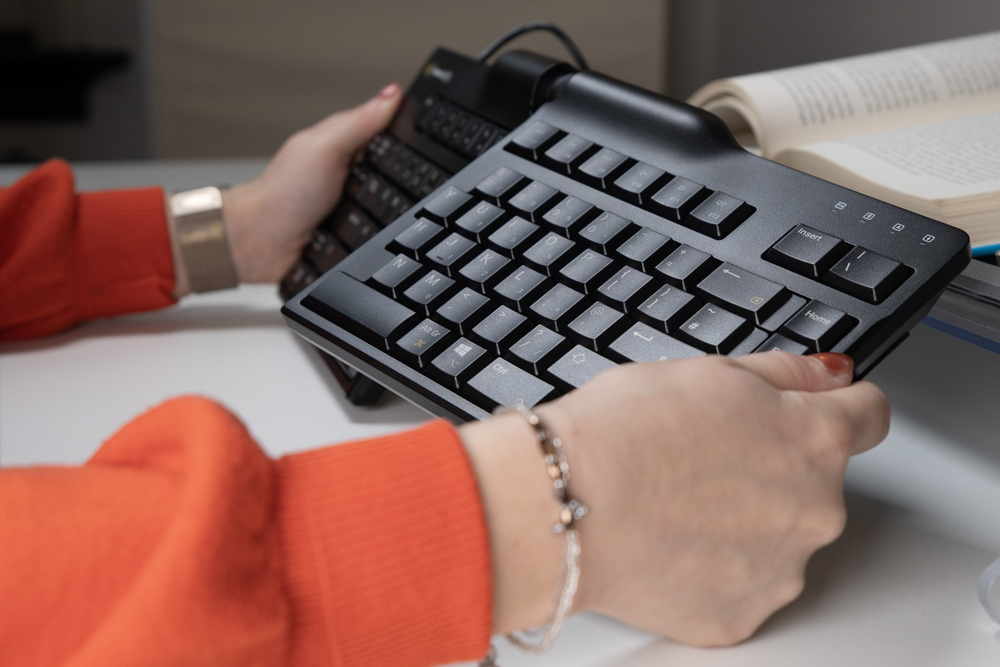
A high grade ABS was used to construct the Elite Keyboard for enhanced comfort and durability, whether you’re in the office or on the go. It’ll stand up to those long hours spent typing at your desk.
Slimmer design
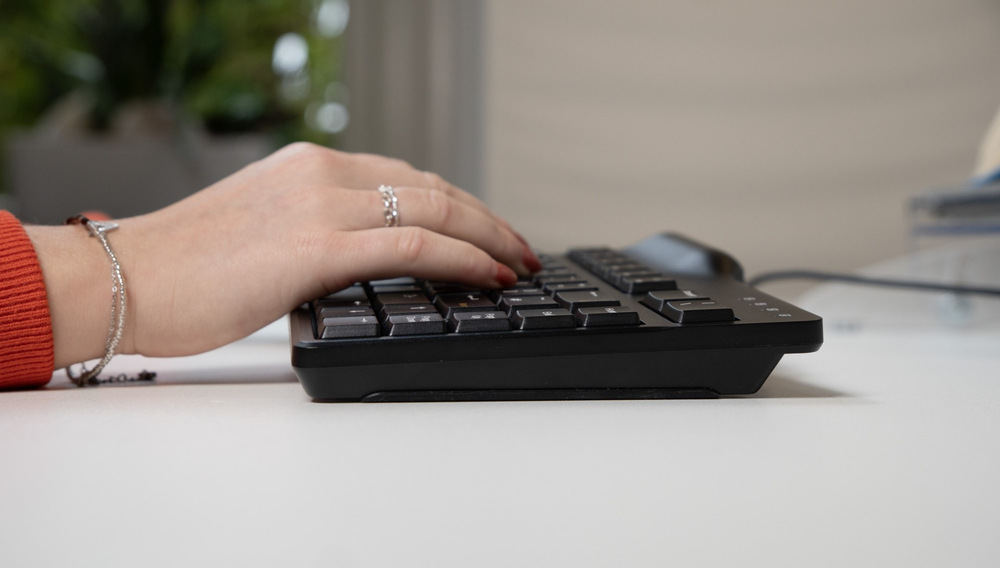
The Elite Keyboard was created with a profile that’s 0.5in(12.7mm) thinner than our previous comfort keyboards, with half-height keys. It’ll look great on your desk with its minimal aesthetic, but also feels more comfortable and less bulky to use.
Bakkerelkhuizen Goldtouch Elite Ergonomic Split Keyboard Black BNEGTEBUK. USB-A Connectivity. Improved handle to lock in place. PC and Mac Compatible. Soft-touch keys. Made from high grade ABS. Slim profile. Switch between alternate and default layouts.
You may also be interested in
| Product |
 BakkerElkhuizen GOLDTOUCH ELITE ERG SP...
Login for pricing
BakkerElkhuizen GOLDTOUCH ELITE ERG SP...
Login for pricing
|
Popular
CHERRY G84-4400 TRACKBALL KEYBOARD Cor...
Login for pricing
|
Recommended
CHERRY G84-5400 TRACKBALL KEYBOARD Cor...
Login for pricing
|
Hot Product
CHERRY XS G84-5500 TOUCHPAD KEYBOARD C...
Login for pricing
|
Bestseller
Logitech MK850 Performance
Login for pricing
|
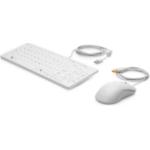
New
HP USB Keyboard and Mouse Healthcare E...
Login for pricing
|
|---|---|---|---|---|---|---|
| SKU |
BNEGTEBUK
|
G84-4400LUBGB-2
|
G84-5400LUMGB-2
|
G84-5500LUMGB-2
|
920-008224
|
1VD81AA#ABU
|
| Manufacturer |
BakkerElkhuizen
|
CHERRY
|
CHERRY
|
CHERRY
|
Logitech
|
HP
|
| Keyboard layout |
QWERTY
|
QWERTY
|
N/A
|
QWERTY
|
QWERTY
|
N/A
|
| Mouse included |
N
|
N
|
N
|
N
|
Y
|
Y
|
| Backlight |
N
|
N
|
N
|
N
|
N
|
N
|
| Recommended usage |
Office
|
Universal
|
Universal
|
Universal
|
Universal
|
Medical
|
| Device interface |
USB
|
USB
|
USB
|
USB
|
RF Wireless + Bluetooth
|
USB
|
| Keyboard key switch |
Membrane key switch
|
N/A
|
N/A
|
Mechanical key switch
|
N/A
|
Membrane key switch
|
| Connectivity technology |
Wired
|
Wired
|
Wired
|
Wired
|
Wireless
|
Wired
|