This site uses cookies and other tracking technologies to assist with navigation and your ability to provide feedback, analyse your use of our site and services and assist with our promotional and marketing efforts. You can read more about this in our Privacy Policy.


ASUS ZEN 14 U7 16GB 512GB W11H BLUE
xOut of Stock
Contact your account manager
- ZEN 14 U7 16GB 512GB W11H BLUE
SKU #: UX3480AA-U1006W
EAN #: 4711636642453
UNSPSC #: 43211503
- Windows 11 Home 64-bit
- Intel Core Ultra 7 355 (12MB Cache)
- 14" WUXGA 1920 x 1200 OLED
- 16GB LPDDR5x-SDRAM & 512GB SSD
| SKU | UX3480AA-U1006W |
|---|---|
| EAN | 4711636642453 |
| Manufacturer | ASUS |
| Availability | Out of Stock |
| Product Family | Zenbook |
| Product Series | 14 |
| Product Manuals (HTML) |
View Manual |

The art of portability
At just 1.1 kg, ASUS Zenbook 14 goes wherever the day takes you. With an all-metal build, a high-tech ceramic CeraluminumTM top lid, and all-day battery life, it brings a polished feel to everyday carry.
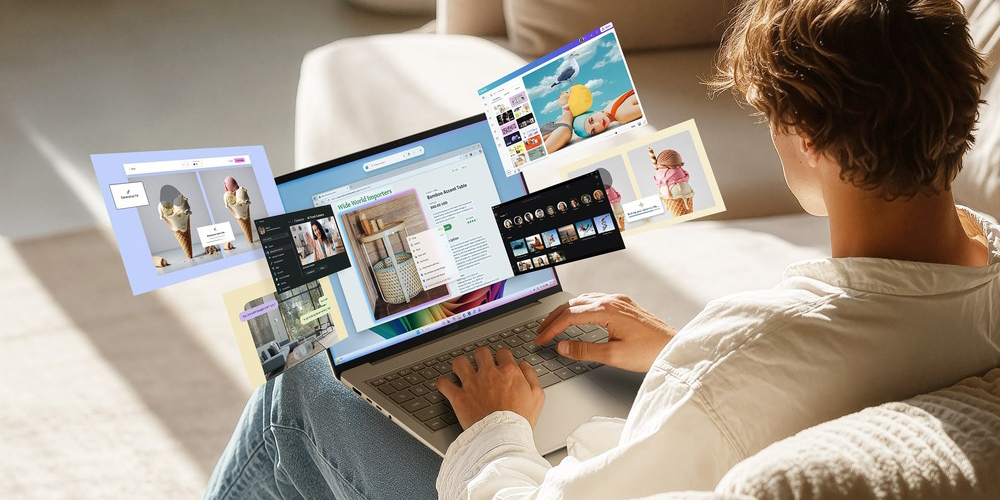
Intelligence in every interaction
The next-gen AI processor makes everyday tasks faster, smoother, and more efficient. Whether you’re browsing, studying, working, or creating, ASUS Zenbook 14 keeps everything moving with ease.
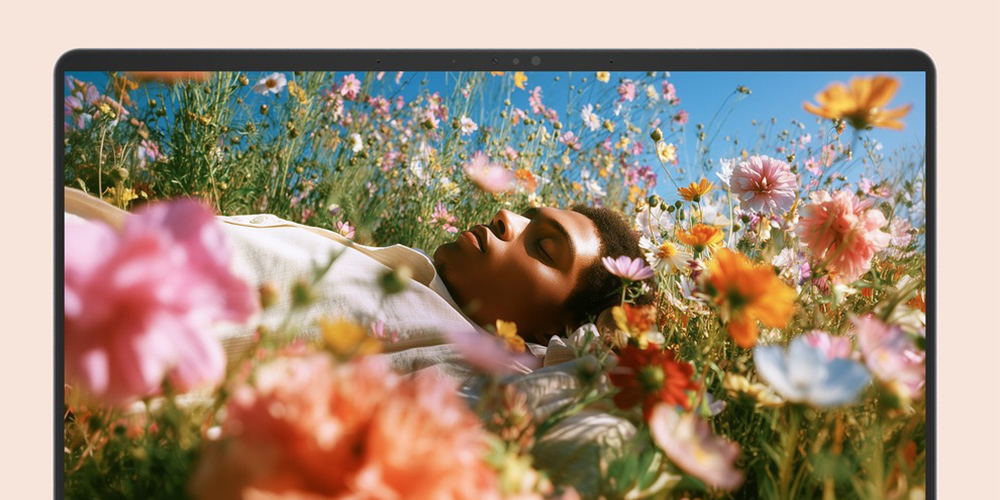
See more. Connect all.
From the vivid OLED display to the smart-gesture touchpad and comfortable backlit keyboard*2, every detail is designed for smooth, intuitive use. The full I/O ports keep you connected and dongle-free. So whatever you’re doing, it just feels easy.
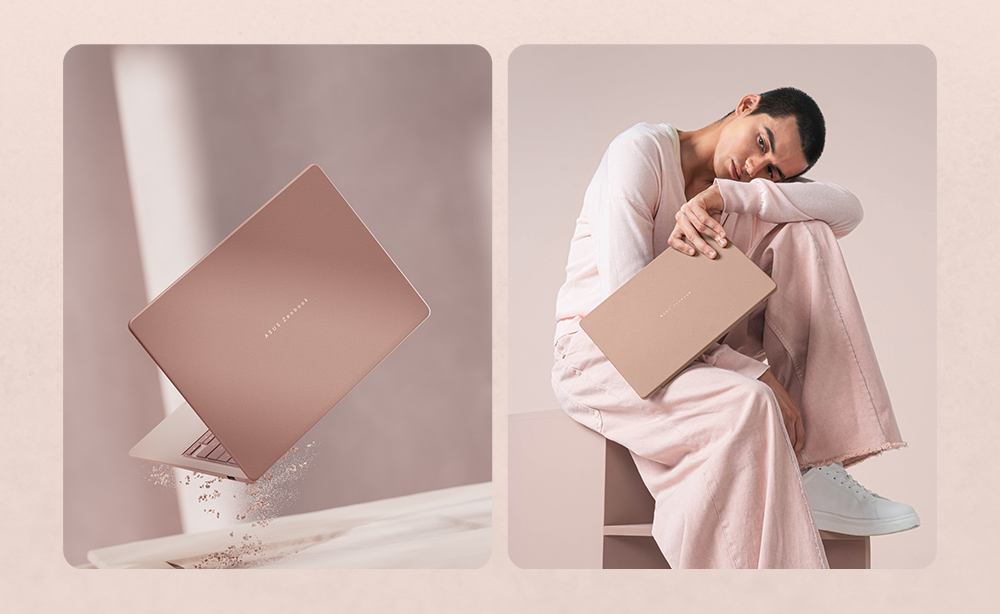
Light. Distinct. Personal.
Design
Nature-inspired colour, crafted in CeraluminumTM. ASUS Zenbook 14 blends a high-tech ceramic lid with a refined metal chassis, expressed through a tone on tone palette that feels calm, modern, and uniquely yours. From Komodo Coral, Arctic Blue to Zabriskie Beige, each colourway is designed as a complete visual system — flowing seamlessly across the logo, lid, chassis, and keyboard for a cohesive, harmonious look. Beyond aesthetics, the CeraluminumTM preserves a clean, refined touch and appearance over time. Designed not just to be seen, but felt, it brings a quiet sensory experience to everyday use — subtle in texture, balanced in tone, and enduring in its like new quality.
ASUS CeraluminumTM
Modern Alchemy
At the core of the ASUS Zenbook series is ASUS’ patented CeraluminumTM technology — an industry-first innovation refined over four years for precise colours, hardness, and texture. It offers unmatched scratch resistance and longevity, inspired by the natural world. This high-tech ceramic, revered in aerospace and luxury watches, combines the lightness and hardness of ceramic with the malleability of metal, perfect for ultra-slim, durable designs.
Discover CeraluminumTM
https://www.asus.com/content/zenbook/
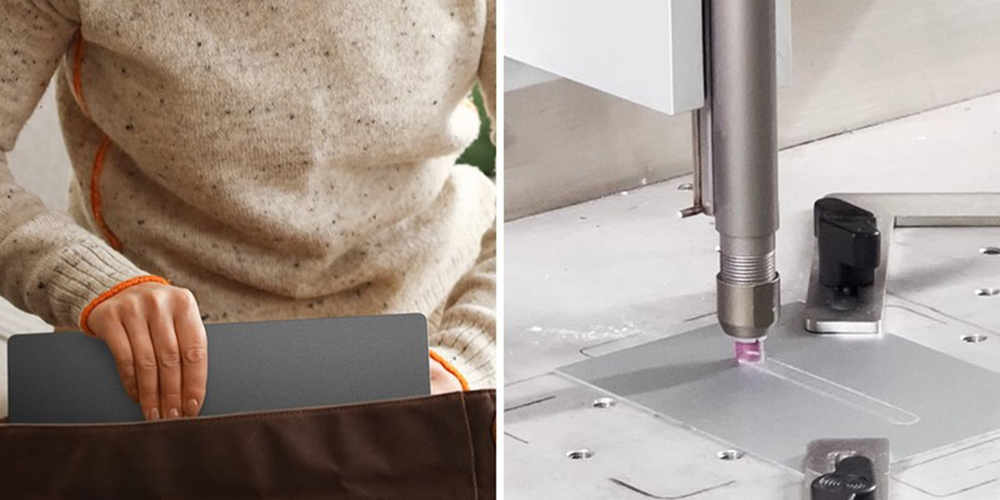
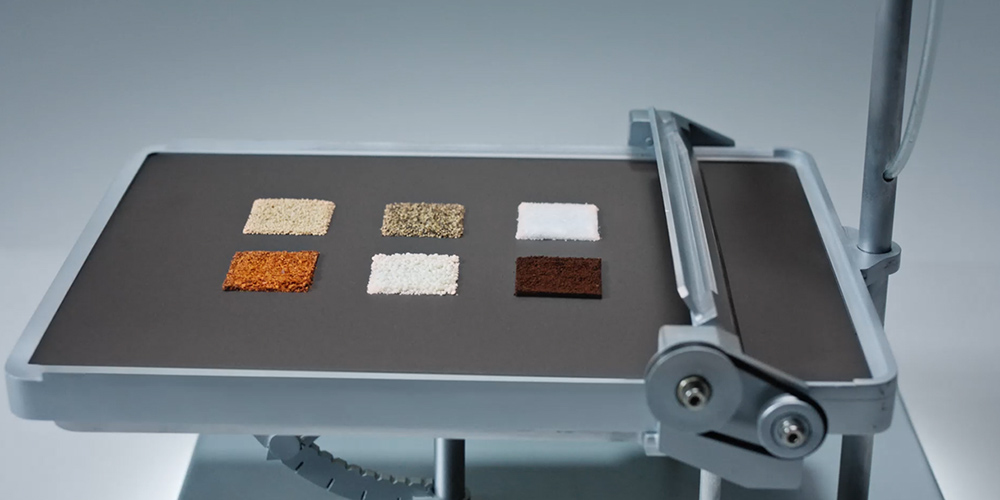
Wear and scratch resistance
CeraluminumTM can withstand repeated friction*1 or abrasion without showing signs of damage.
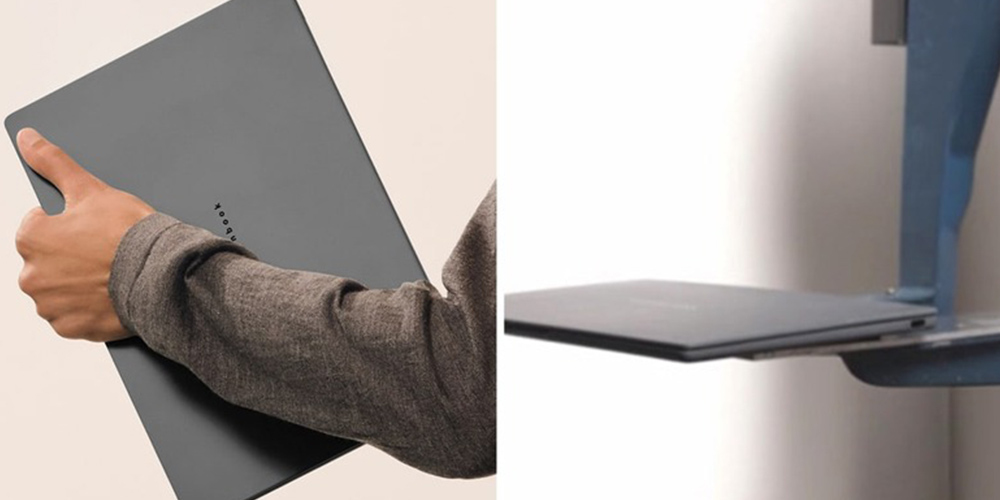
Shock resistance
When your laptop accidentally knocked off a table or slipped from your hands, CeraluminumTM provides peace of mind to users about its durability*2.
Easy to clean
The material can handle everyday spills and stains without getting permanently marked*3.
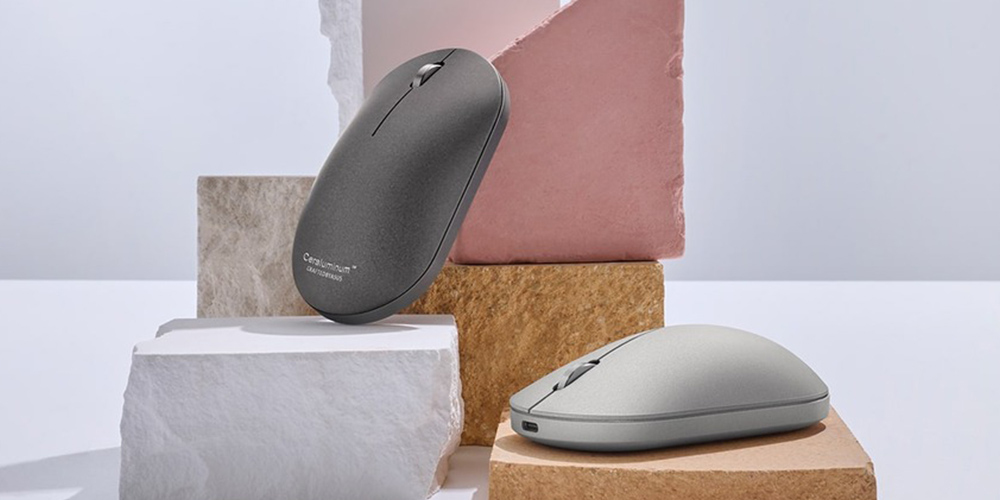
ZenMouse
Complete the look with CeraluminumTM ZenMouse — smooth, durable, and effortlessly pristine.
See more. Feel deeper.
Visual & Sound
From late-night streaming to everyday scrolling, ASUS Zenbook 14 makes everything feel more immersive. The ASUS Lumina OLED display delivers deep blacks, vivid and accurate colour, while Dolby Atmos and dual speakers bring fuller, more dimensional sound to music, movies, and more!
Effortless power. Every day.
Performance
ASUS Zenbook 14 delivers smooth, responsive performance with AI built in for the way you work every day. Powered by Intel® CoreTM Ultra 7 355 8 Core-Processor, it balances speed, efficiency, and on-device AI to keep everything moving with ease.
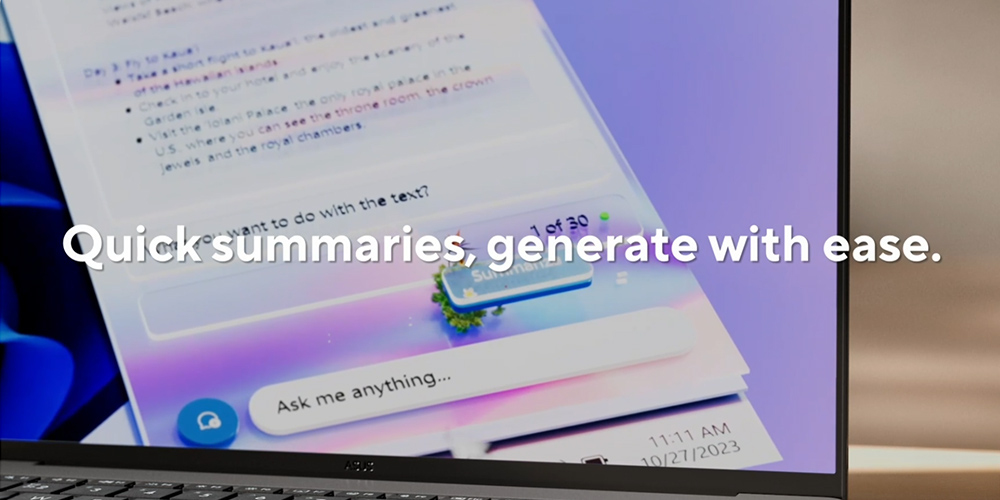
Copilot
Your everyday AI companion
Copilot*5 empowers you with AI-driven search, quick summaries, and smart task management — so you can spark ideas, streamline your schedule, and stay focused on what matters most.
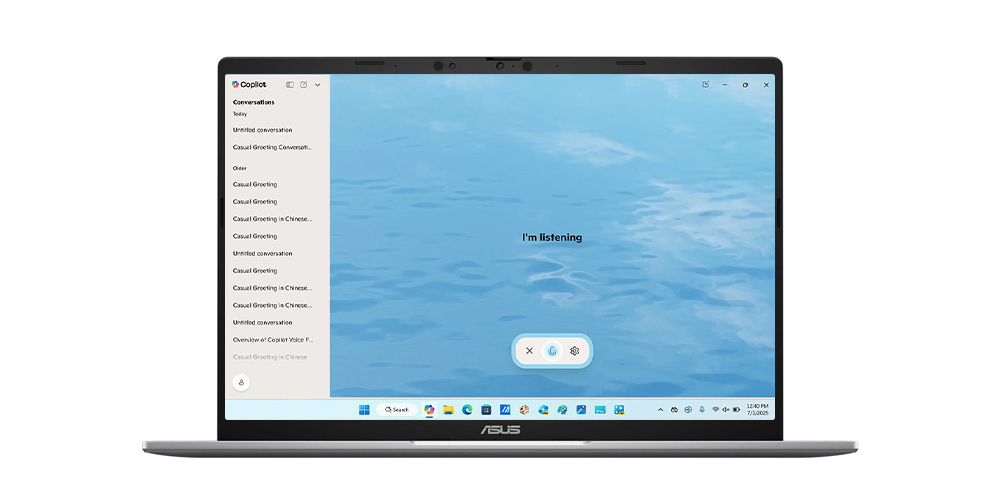
Copilot Voice
Hey Copilot, your shortcut to staying in flow
Mid-sentence or mid-scroll, Hey Copilot helps you keep moving forward. When you enable Hey Copilot, your voice becomes your shortcut to your thinking partner. Ask questions, bounce ideas, or get guidance from Copilot, whenever you need it.
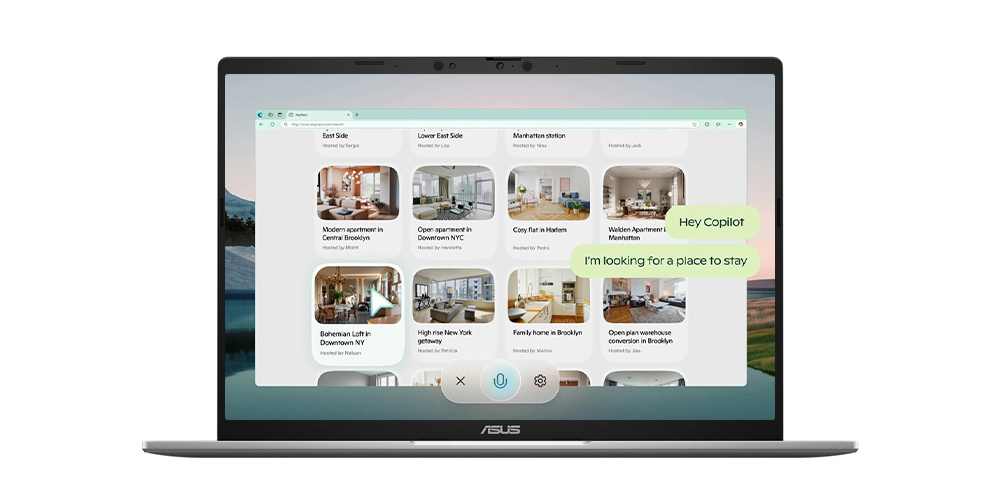
Copilot Vision
Get help in real-time with Copilot Vision
Copilot Vision sees what you see and responds in real time, analyzing content, guiding you, and answering questions to keep you flowing — whether you’re browsing, working, or creating. You can even ask Copilot to ‘show me how’, and Copilot will highlight on the screen what to do next. *6
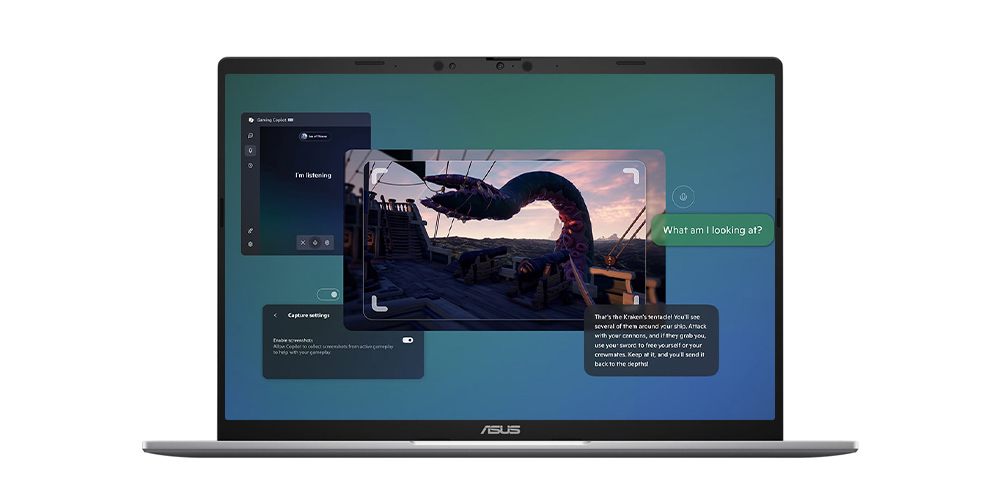
Gaming Copilot (Beta)
Your game-time sidekick
Built into Game Bar, Gaming Copilot helps you play smarter with voice commands, screen-aware answers, and personalized tips based on your Xbox activity.*7

Recall (in preview)
Stop searching. Start recalling.
Looking for a file, email, or webpage? Simply describe how you remember it, and Recall will find it in seconds.*8
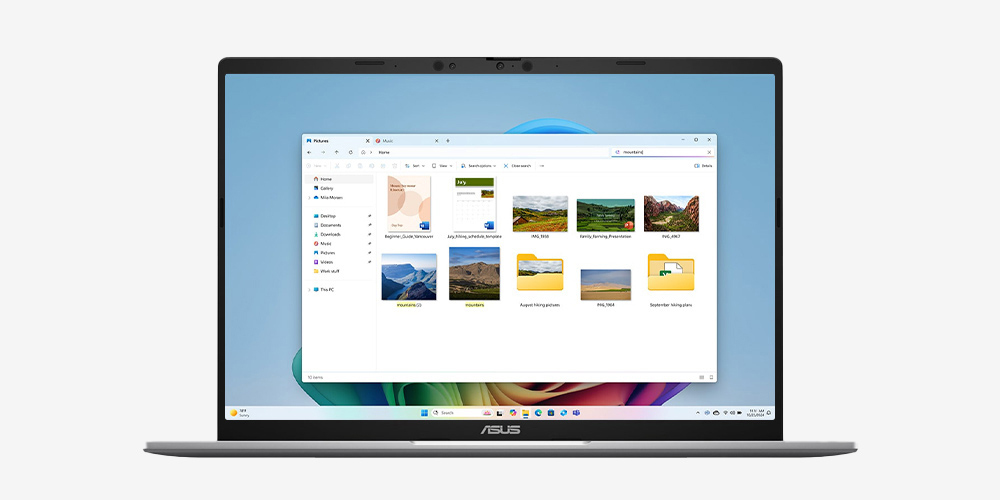
Improved Windows Search
Search smarter, not harder
Use everyday language to find files, settings, or apps in an instant. Just say what you need, and Windows will take care of the rest.
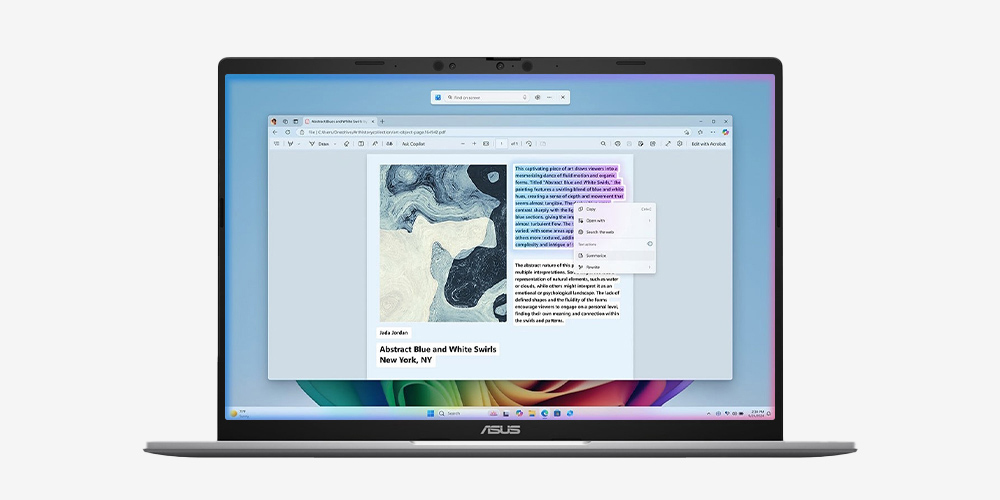
Click to Do (in preview)
Interact effortlessly, stay focused.
Launch an interactive overlay that instantly offers context-sensitive actions for text and images, allowing you to summarize, refine, and even perform basic editing tasks, while staying focused.

Cocreator in Paint
You sketch it. Cocreator creates it.
Let your inner artist thrive with guidance from Cocreator.
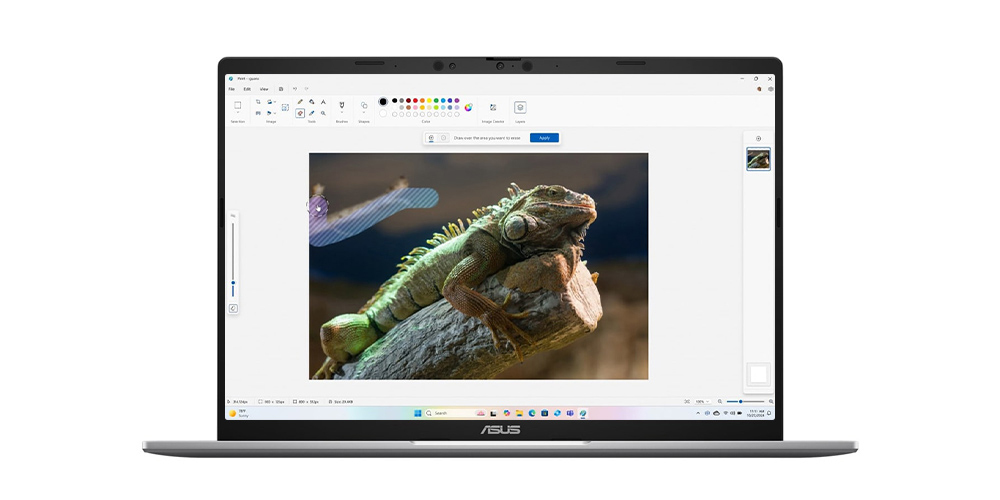
Erase in Paint
Remix your art
Use Erase in Paint to instantly take away elements of an image. It’ll be like they were never there.
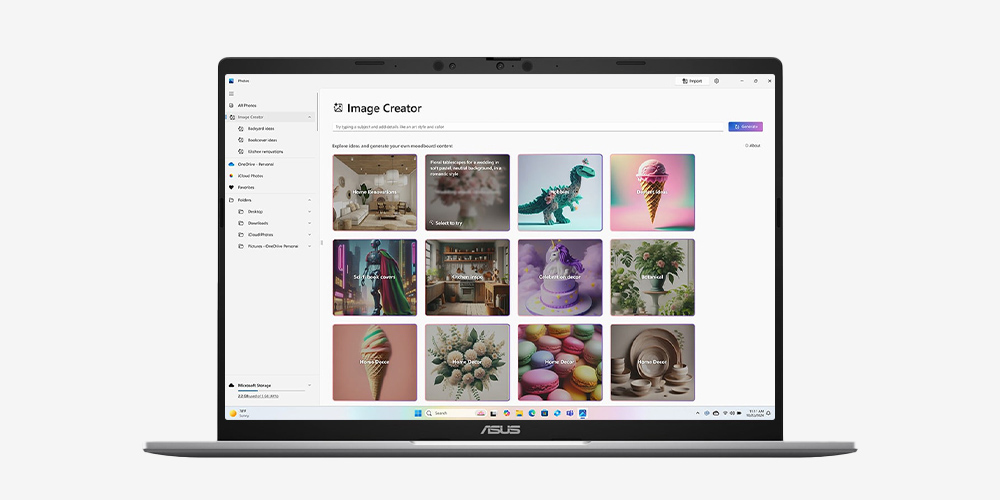
Image Creator in Photos
Ideas, ideas, ideas
Explore your ideas further with many interpretations of what inspires you.
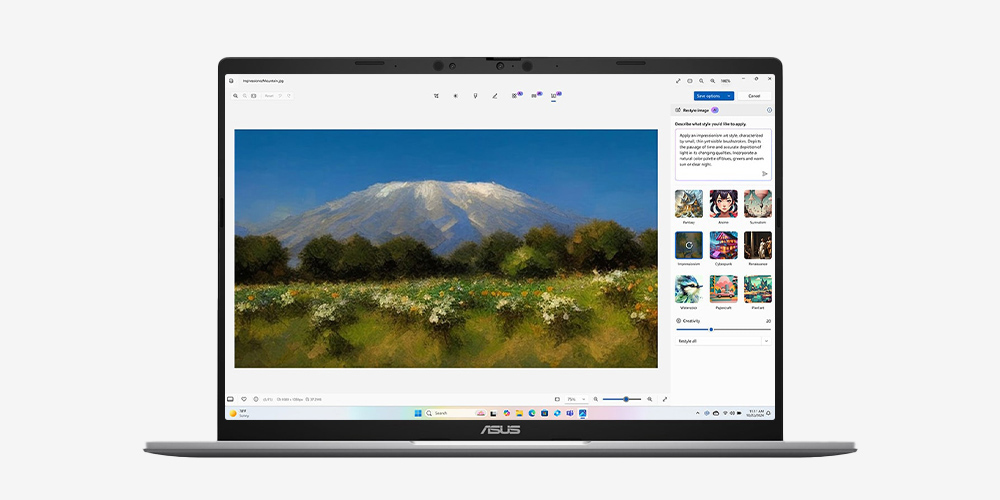
Restyle Image in Photos
It’s all about style
If you want your art to be more artistic, now you can bring different styles to your images with Restyle Image. *9
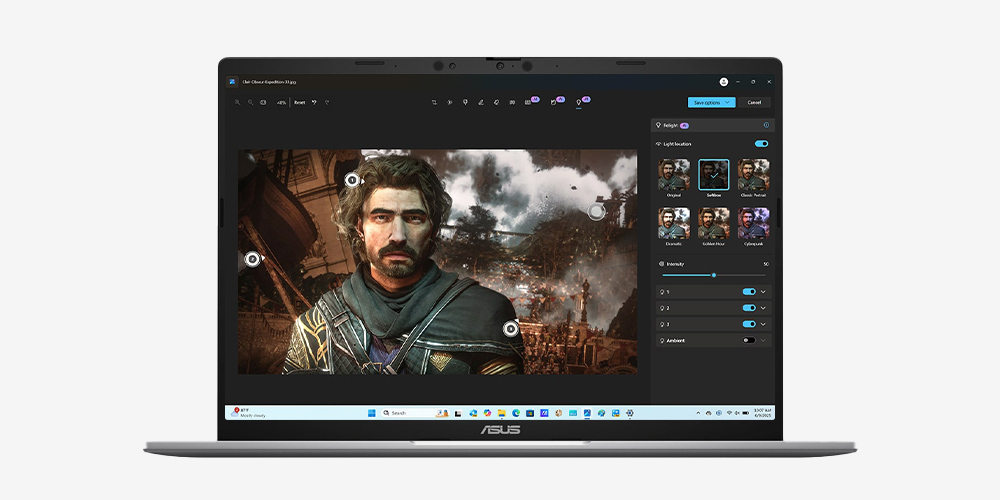
Relight in Photos
Perfect lighting, every time
Position up to three lights, adjust color and focus, or use one-click presets — Relight makes lighting adjustments simple and creative.

Live Captions
Translates as you talk
When you never miss a word, you never miss a beat. Get accurate subtitles in real time with Live Captions.*10
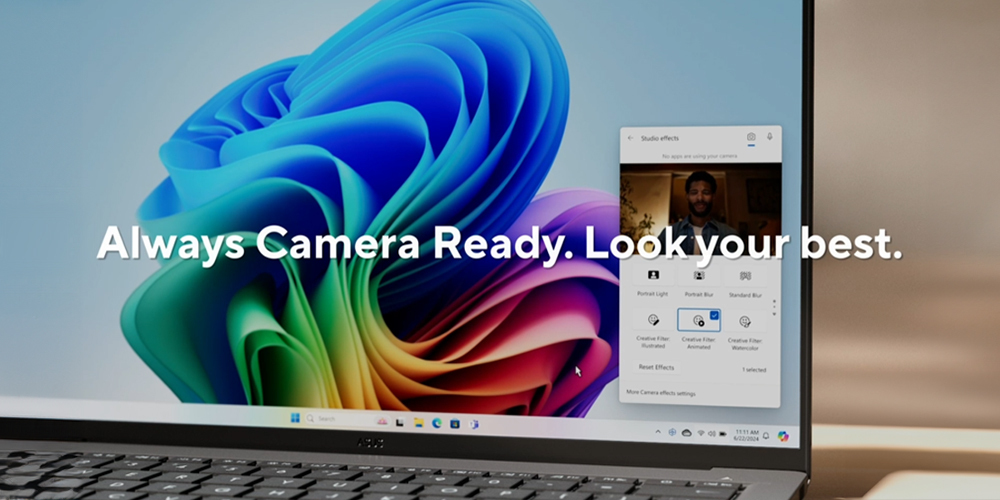
Windows Studio Effects
Perfect your presence
Enhance your video calls with improved lighting, subtle background blur, gaze correction and more, ensuring your presentation stands out when it matters most.
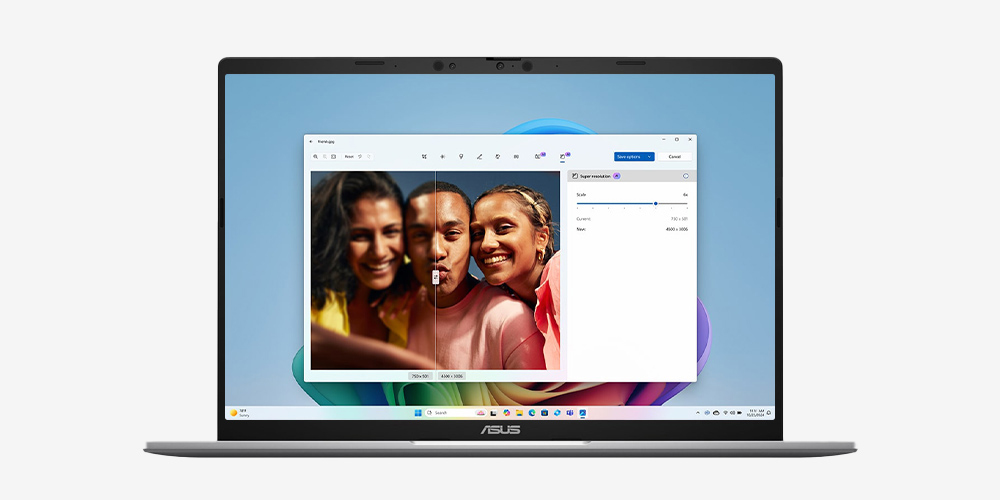
Super Resolution in Photos
Revive every detail
Boost low-resolution photos up to 8x with just a few clicks, revealing crisp clarity and vivid details in every memory.
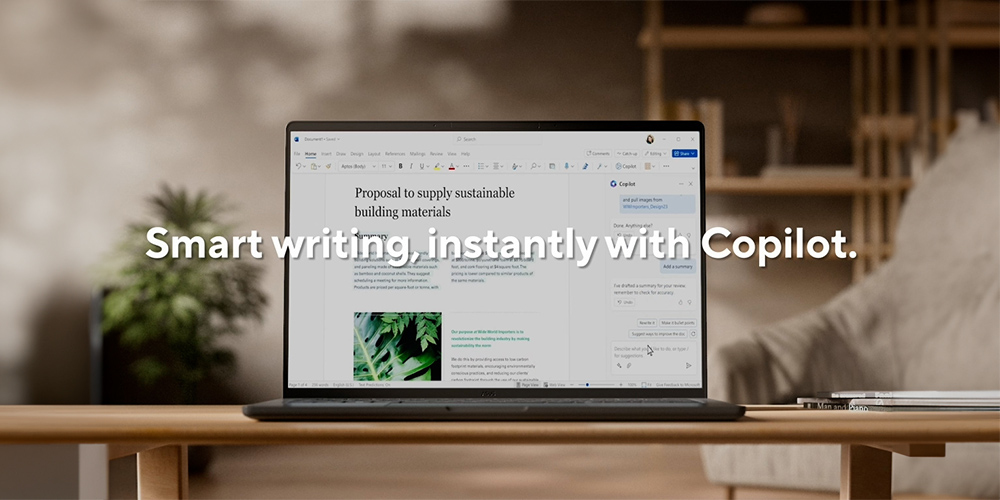
Word | Write Smarter, Faster
Generate content effortlessly, refine your writing with AI-powered suggestions, and maintain a polished, professional format with ease.
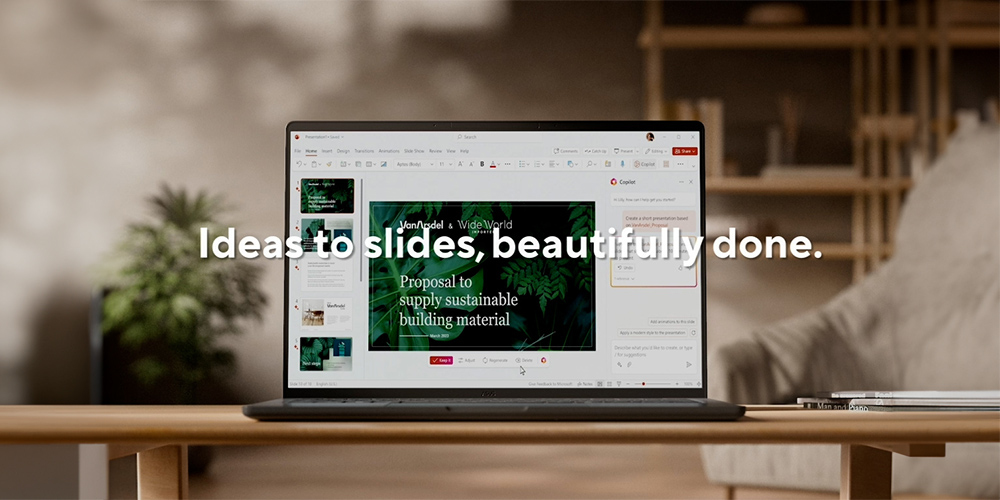
PowerPoint | Present Like a Pro
Turn ideas into stunning slides instantly. Copilot helps you build presentations from outlines and offers smart design suggestions for a polished look.
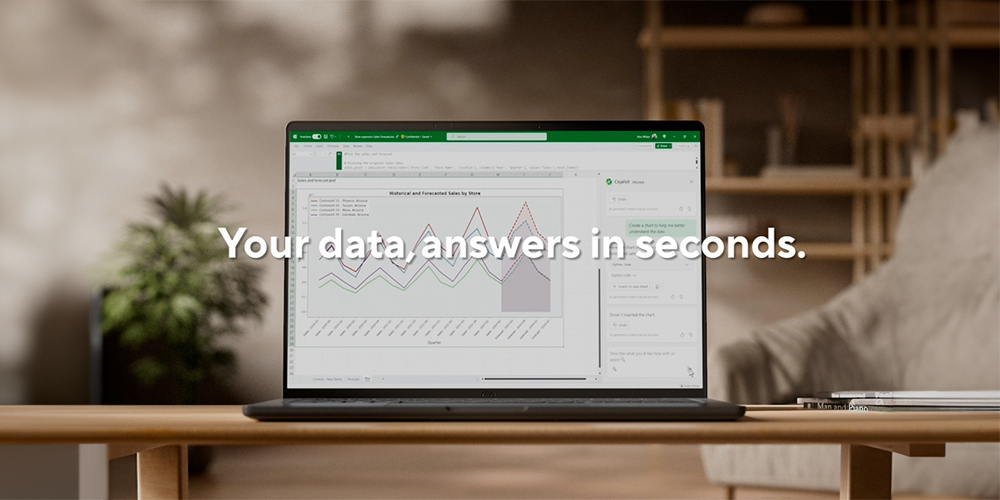
Excel | Transform Data into Decisions
Analyze data with ease — Copilot suggests formulas, creates charts, and provides insights, helping you spot trends and make informed decisions faster.
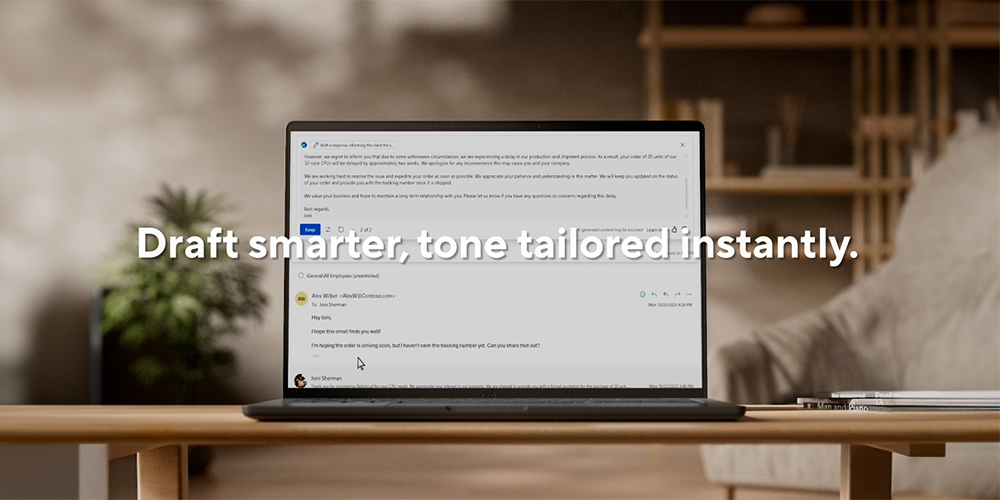
Outlook | Email, Simplified
Save time with AI-assisted email drafting and thread summarization, so you can respond quickly and stay on top of important conversations.
Ready when you are
Battery
ASUS Zenbook 14 is built to keep up with your day, combining long-lasting battery life with easy USB-C charging for life on the go.
Ease of use
Intuitive Design
ASUS Zenbook 14’s precision design enhances ease of use, featuring a spacious, smudge-resistant keyboard with excellent key travel and tactile feedback. Its enlarged touchpad supports smart gestures for smooth, intuitive navigation.
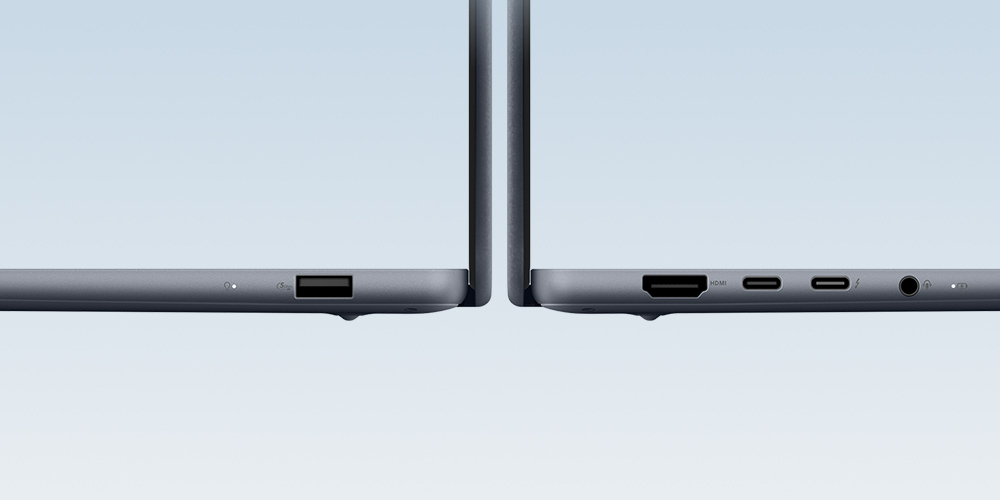
All the ports you need
ASUS Zenbook 14 gives you the essential ports for quick, easy connections, so your setup stays simple and dongle-free.
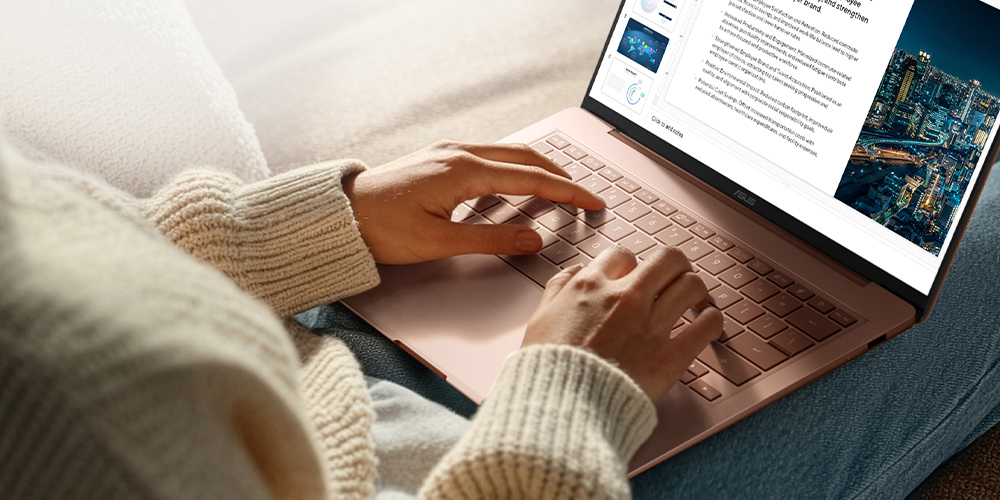
Type longer, fatigue less
This full-size, fingertip-friendly keyboard makes typing faster and more comfortable. Its durable Excimer-coated keycaps were built for the long haul, tested to withstand 50,000 rubbing cycles without any sign of wear.
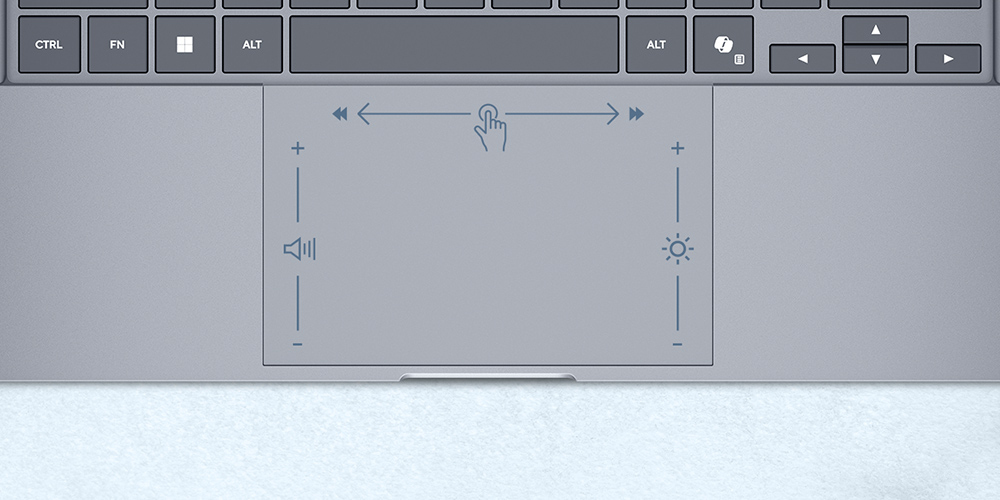
Enlarged touchpad
The ErgoSense touchpad supports multitouch gestures in Windows and ASUS Smart Gestures, so you can use one, three- or four-finger shortcuts to launch frequently-used applications or instant media and system controls.
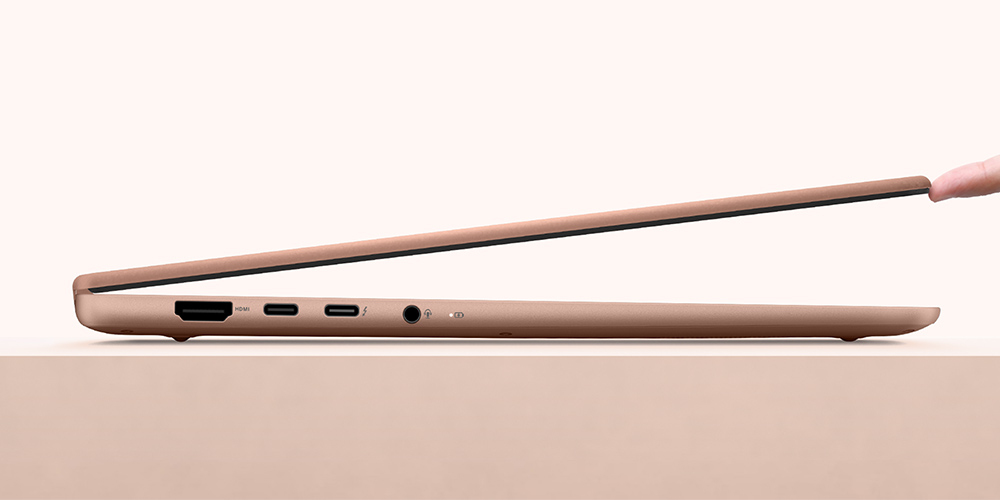
Smooth opening and closing
The easy lift hinge is precisely engineered for optimal torque and angle, allowing you to lift lid effortlessly with just a fingertip. This mechanism also ensures the display remains steady and wobble-free during use.

Made for better video calls
Camera & Mic
ASUS Zenbook 14 helps you look clear and sound natural with FHD IR camera and clear audio for more polished video calls. With support for Windows Studio Effects, it is made to help you show up confidently wherever you work.
AI-ready security for every moment
Smart Security
Log in with Windows Hello facial recognition, stay protected by Microsoft Pluton’s hardware-to-cloud defenses, and enjoy smarter interactions with Voice Print Technology, which recognizes your unique voice for personalized, precise AI responses, even in a crowd.
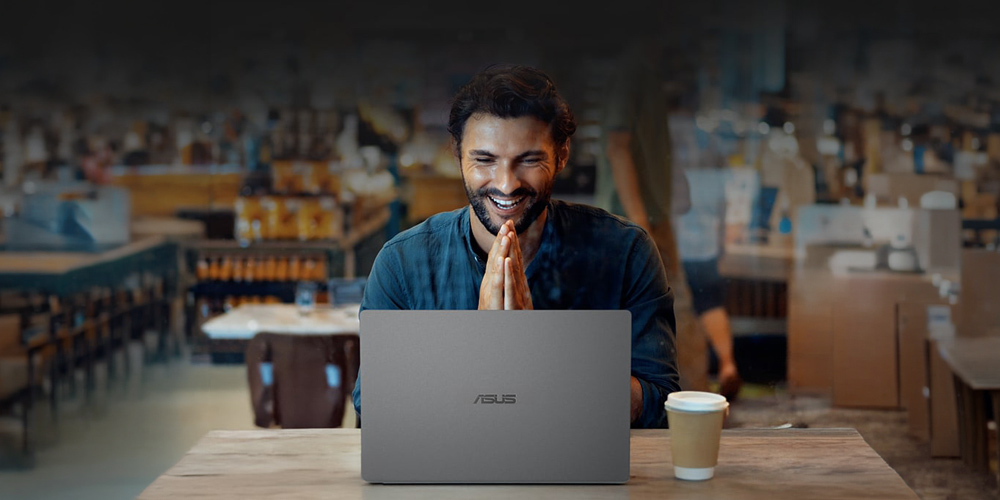
Voice Print Technology
Like a fingerprint for your voice, it keeps you secure and helps AI respond with personalized accuracy. By recognizing who’s speaking, it delivers the right answer to the right person.*14
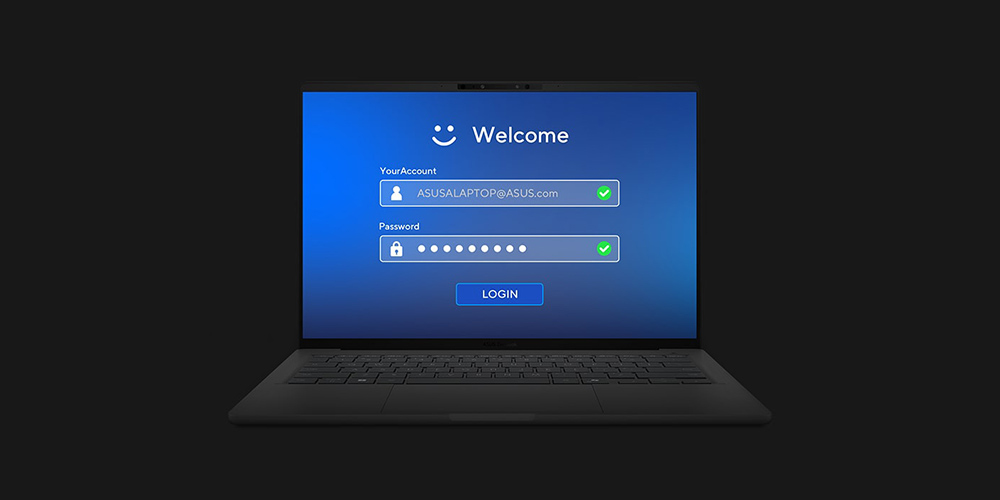
Seamless secure access
Secure your password via Windows Hello, making the authentication process fast and secure with facial recognition.

Unlock, instantly
Windows Hello Infrared (IR) camera allows you to unlock your laptop quickly and securely.
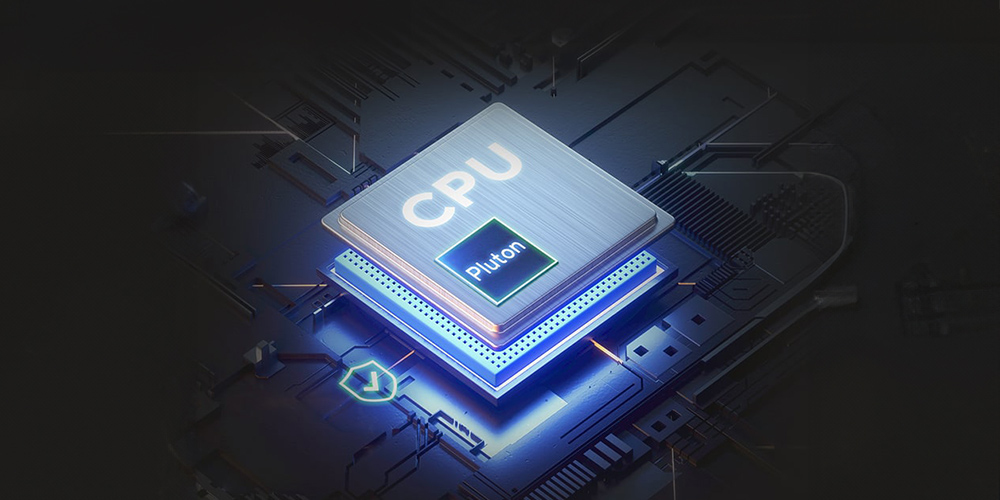
Microsoft Pluton
Passkeys are built into the CPU, with sensitive data securely stored on your device.
Truly personalized workflow
ASUS Software
ASUS software elevates your experience with smart tools: MyASUS boosts productivity with handy apps, ASUS GlideX expands your workspace with cross-device screen sharing, and ScreenXpert streamlines window management across displays.
MyASUS
MyASUS lets you easy access to ASUS apps that are designed to help you maintain your system and optimize your PC’s performance.
Learn more about MyASUS
https://www.asus.com/content/asus-software/
ASUS GlideX
ASUS GlideX is a cross-device screen-sharing solution with Mirror and Extend features for more space to work and play.
Learn more about ASUS GlideX
https://www.asus.com/content/glidex/
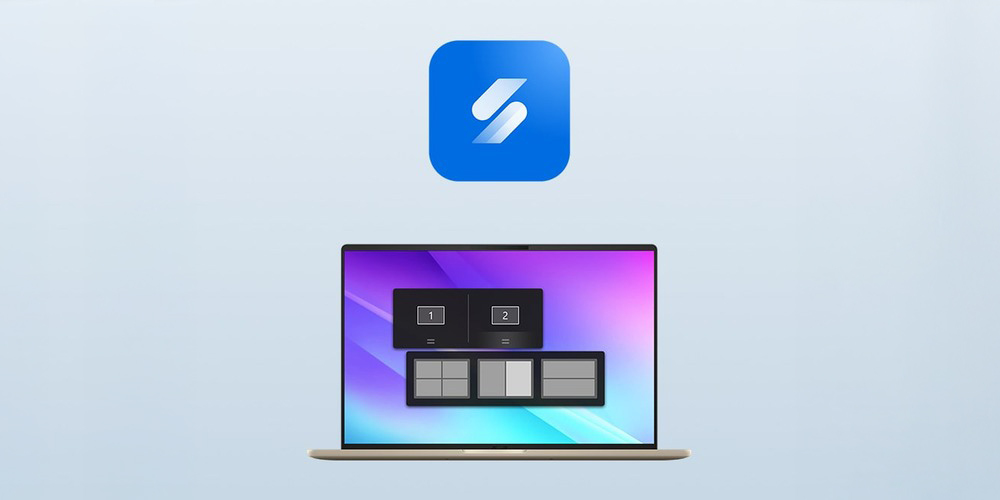
ScreenXpert
ScreenXpert helps you to manage app windows across displays connected to your PC and puts you in full control of your workflow!
Learn more about ScreenXpert
https://www.asus.com/content/screenxpert3/
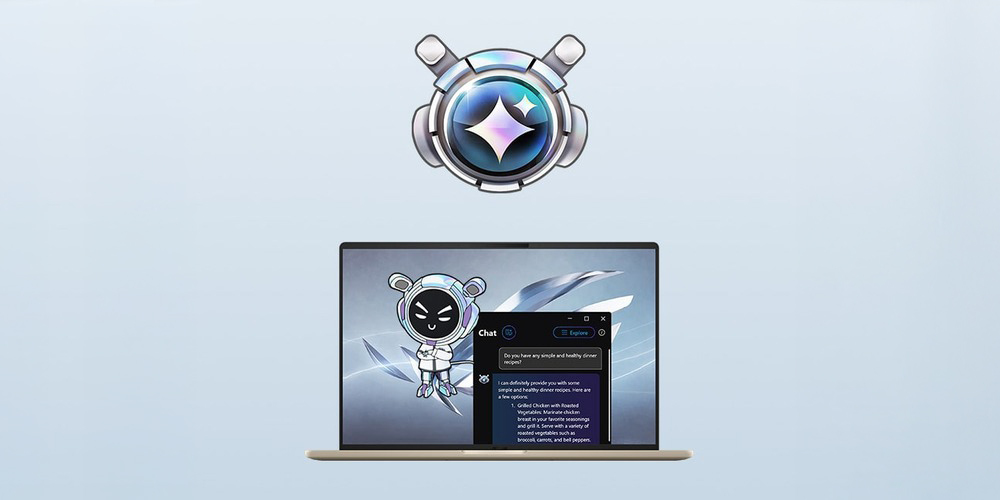
Omni
Virtual Assistant is an AI application featuring OMNI as an interactive bot that lives on your desktop, delivering system notifications and more.
Learn more about Omni
https://rog.asus.com/articles/news/the-rog-virtual-assistant-gets-an-ai-upgrade-with-new-features/